How to Use CSSBUY Spreadsheet in 2026 — Complete Walkthrough
This is a neutral, source-based walkthrough of how to order from a Taobao or Weidian spreadsheet using CSSBUY. It aggregates only verifiable public information: how Chinese buying agents work, where to confirm current fees, and what changed in 2025 customs rules that now affects the total you pay. It contains no first-person purchase claims, no invented order totals, and no self-assigned ratings. Always confirm live fees, shipping quotes and timelines inside the CSSBUY platform before you commit money, because those figures change.
What is the CSSBUY spreadsheet (and what CSSBUY actually does)?
A "spreadsheet" in this hobby is a community-maintained list of Taobao and Weidian product links. The spreadsheet itself is not run by CSSBUY; it is a shared index of sellers. CSSBUY is the buying agent that turns those links into a delivered parcel. As Repsheet explains the general agent model, a buying agent purchases the item from the Chinese marketplace on your behalf, receives it at a domestic warehouse, photographs it for quality control, and then forwards it internationally to you (Repsheet tutorials).
It is worth knowing that agents are largely interchangeable. The same spreadsheet links can be pasted into many competing services. JadeShip's converter lists CSSBUY alongside kakobuy, joyagoo, acbuy, mulebuy, allchinabuy, hoobuy, superbuy, oopbuy, loongbuy and others (JadeShip). CSSBUY is one option among many, not a unique gateway.
Step-by-step: ordering from a spreadsheet with CSSBUY
- Create an account on cssbuy.com. Set your shipping country during signup so quotes reflect your destination.
- Copy the product link from the spreadsheet. Spreadsheet cells point to Taobao or Weidian listings. Paste the raw link into the CSSBUY search or order box; a link converter such as JadeShip can also rewrite a link from one agent's format to another.
- Submit the purchase request. Specify size, color and quantity in the order notes, since these listings are in Chinese and the agent buys exactly what you state.
- Fund your account and pay for the item. The agent buys from the seller after your payment for the goods plus the service fee clears.
- Wait for warehouse arrival and QC photos. When the parcel reaches the agent's warehouse, QC images are uploaded for your review.
- Choose a shipping line and submit the parcel. Combine multiple items into one consolidated shipment, pick a carrier, and pay the international shipping quote shown at that moment.
Treat any specific day-count you read in older guides as illustrative only. Marketplace stock, warehouse backlog, carrier choice and customs processing all move the real timeline, so rely on the live status inside your CSSBUY dashboard rather than a fixed promise.
Fees, coupons and hidden costs
Verify CSSBUY's current service fee inside the platform at checkout. Agent service fees across the market generally sit in a band of roughly 0–10% of the item price; HowToTao's comparison puts several agents at the 10% ceiling and others lower, with CSSBUY historically in the low-single-digit range (HowToTao). Use that band as a sanity check, not as a quote.
Beyond the headline commission, budget for the things that quietly add up: the goods price itself, payment processing, optional paid QC or extra photos, warehouse storage if a parcel sits too long, and the international shipping leg, which is usually the largest single cost. Do not trust any specific coupon code, referral discount or exact shipping rate quoted by a third-party article as "verified" — confirm every promotion and number inside CSSBUY before you pay.
Shipping cost & the 2025 customs change you must know
The single most important update for anyone budgeting in 2026 is that the United States has ended duty-free de minimis treatment. For years, low-value parcels (commonly under the US$800 threshold) cleared US customs without duty, which is why older agent guides advertised very low "landed" costs. That door is closed.
In April 2025 the White House announced the removal of de minimis for China-origin shipments, effective May 2, 2025 — and noted that CBP processes over 4 million de minimis shipments into the US each day (White House fact sheet). A subsequent presidential action then suspended duty-free de minimis treatment for all countries, effective August 29, 2025, so the exemption no longer applies to any shipment regardless of value (White House presidential action). For scale, CBP data compiled by Red Stag put de minimis volume near 1.36 billion parcels in FY2024 at an average value of about US$45 (Red Stag Fulfillment).
The practical takeaway: any guide implying a sub-US$800 parcel lands in the US duty-free is now outdated. Your 2026 budget must include potential import duties and fees on top of the agent's shipping quote, and US shoppers especially should expect the final cost to be higher than pre-2025 numbers suggested.
QC photos: what to check
When CSSBUY uploads quality-control images, inspect them before you ship rather than waving them through. A neutral checklist: confirm it is the correct model, size, and colorway; check logos, stitching and fonts for obvious defects; look at the soles, hardware or seams depending on the item; verify the count and any included accessories; and check for visible damage or staining. If something looks wrong, raise it with the agent before consolidation — disputes are far easier before the parcel leaves China.
CSSBUY vs other agents
Compare agents on total landed cost, not on the advertised commission percentage. A low service fee can be offset by higher shipping or weaker consolidation, so the only fair comparison is the all-in figure to your door. NewBuyingAgent makes this point in its scoring-based agent comparison and recommends evaluating the full delivered cost rather than a single headline rate (NewBuyingAgent). Because the same spreadsheet links work across CSSBUY, oopbuy, kakobuy, superbuy and the rest (JadeShip), it is reasonable to price the identical cart on two or three agents before deciding.
CSSBUY reputation (third-party)
For independent feedback, read CSSBUY's Trustpilot profile rather than relying on a directory's opinion: https://www.trustpilot.com/review/www.cssbuy.com. Open it to see the current TrustScore and review count, and read both recent 5-star and recent 1-star reviews to understand the range of experiences — recurring complaints (for example around support response time or paid services) are more informative than any single rating.
Why people use agents (market context)
Cross-border e-commerce is large and growing, which is part of why agent services exist at all: market.us valued the cross-border e-commerce market at about US$2.2 trillion in 2024, with projections toward US$18.2 trillion by 2034 (market.us). Buyers should also be clear-eyed about what circulates on these marketplaces: the OECD reported in 2025 that global trade in fake goods reached roughly US$467 billion, posing consumer-safety and intellectual-property risks (OECD). Counterfeit footwear is a documented segment of that trade (RunRepeat). An agent forwards what a seller ships; it does not authenticate brands.
Pros and cons
Pros: CSSBUY accepts standard spreadsheet links, consolidates multiple items into one shipment, provides QC photos before you ship, and is widely supported by link converters, making it easy to swap in or out. Cons: fees and shipping quotes must be checked live and can change; international shipping is the dominant cost; the 2025 end of US de minimis means duties now apply; and third-party reviews report mixed experiences with support and paid add-ons.
FAQ
Will I pay import duties in 2026? For the US, very likely yes. Duty-free de minimis ended for China-origin parcels on May 2, 2025 and for all countries on August 29, 2025, so low-value shipments no longer clear duty-free.
Does CSSBUY run the spreadsheet? No. The spreadsheet is a community list of Taobao/Weidian links; CSSBUY is one of many agents that can fulfill those links.
What does CSSBUY charge? Confirm the current service fee in-platform at checkout. Market service fees generally fall within a 0–10% band, but only the live quote is authoritative.
Are the products authentic? An agent forwards whatever the seller ships and does not verify brand authenticity; buyers assume that risk, and counterfeits are a documented part of this market.
Bottom line
CSSBUY is a competent, widely supported buying agent for spreadsheet orders, but it is one interchangeable option among many. Judge it on the total landed cost to your door, confirm every fee and shipping quote inside the platform, factor in import duties now that US de minimis has ended, and read its Trustpilot profile for current independent feedback before committing.
Sources
- Repsheet — how buying agents work
- JadeShip — supported-agent list / link converter
- HowToTao — agent service-fee comparison
- White House — closing de minimis (China), eff. May 2, 2025
- White House — suspending de minimis for all countries, eff. Aug 29, 2025
- Red Stag Fulfillment — de minimis parcel volume (CBP FY2024)
- NewBuyingAgent — total-landed-cost comparison
- market.us — cross-border e-commerce market size
- OECD — global trade in fake goods (2025)
- RunRepeat — counterfeit footwear statistics
- Trustpilot — CSSBUY profile
Popular oopbuy Spreadsheet Products

Quencher H2.0 Tumbler 40oz Pink with Handle and Flip Lid - 136347

Bearbrick 400% Chrome Gold Reflective Collectible Bear Figure - 135519

Stanley Quencher H2.0 FlowState Tumbler 40oz - Glitter Purple - 132404

Ray-Ban Wayfarer 2140A1 Blue Mirror Polarized Sunglasses - 133185
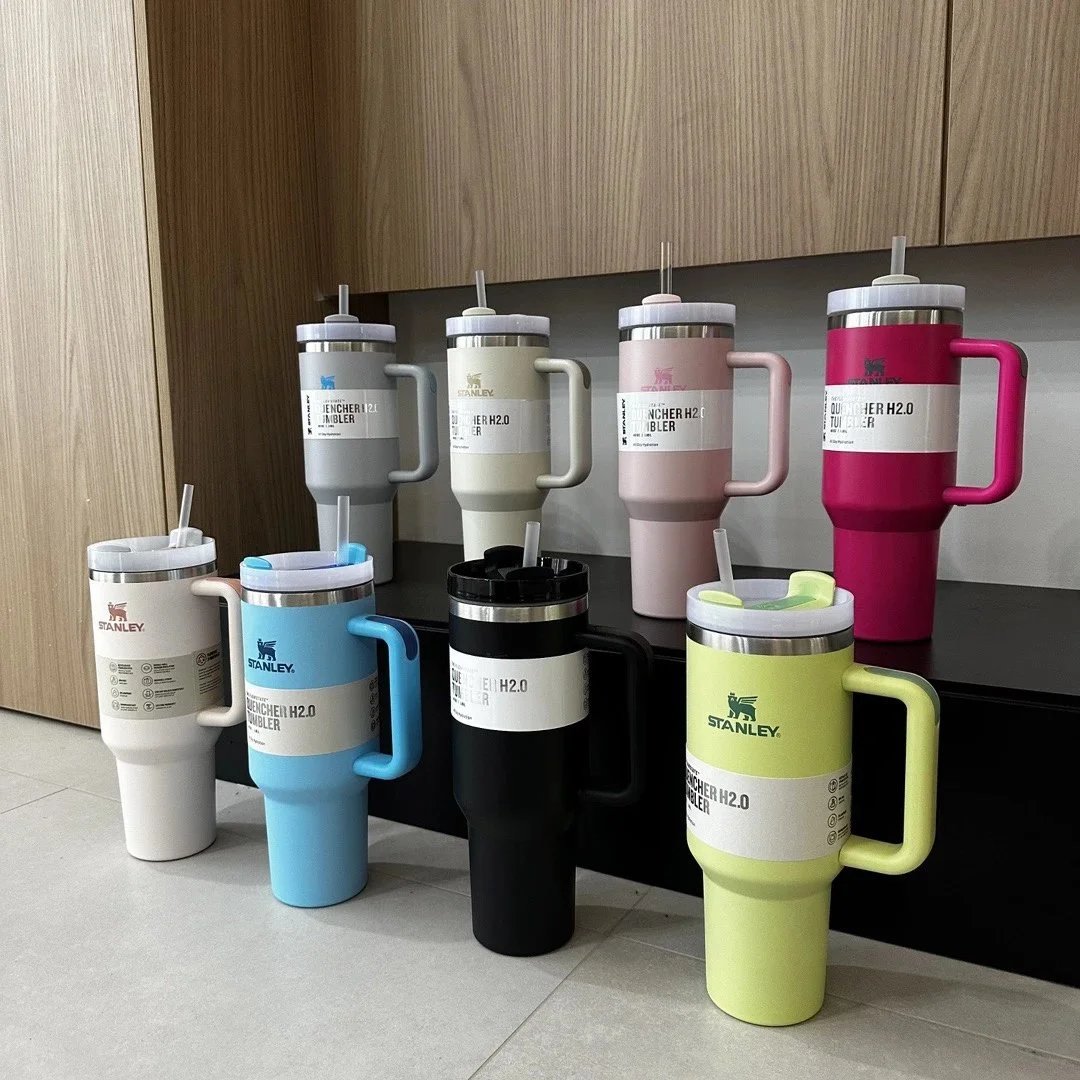
Stanley Quencher H2.0 FlowState Tumbler 40oz Lime Green with Handle - 132912
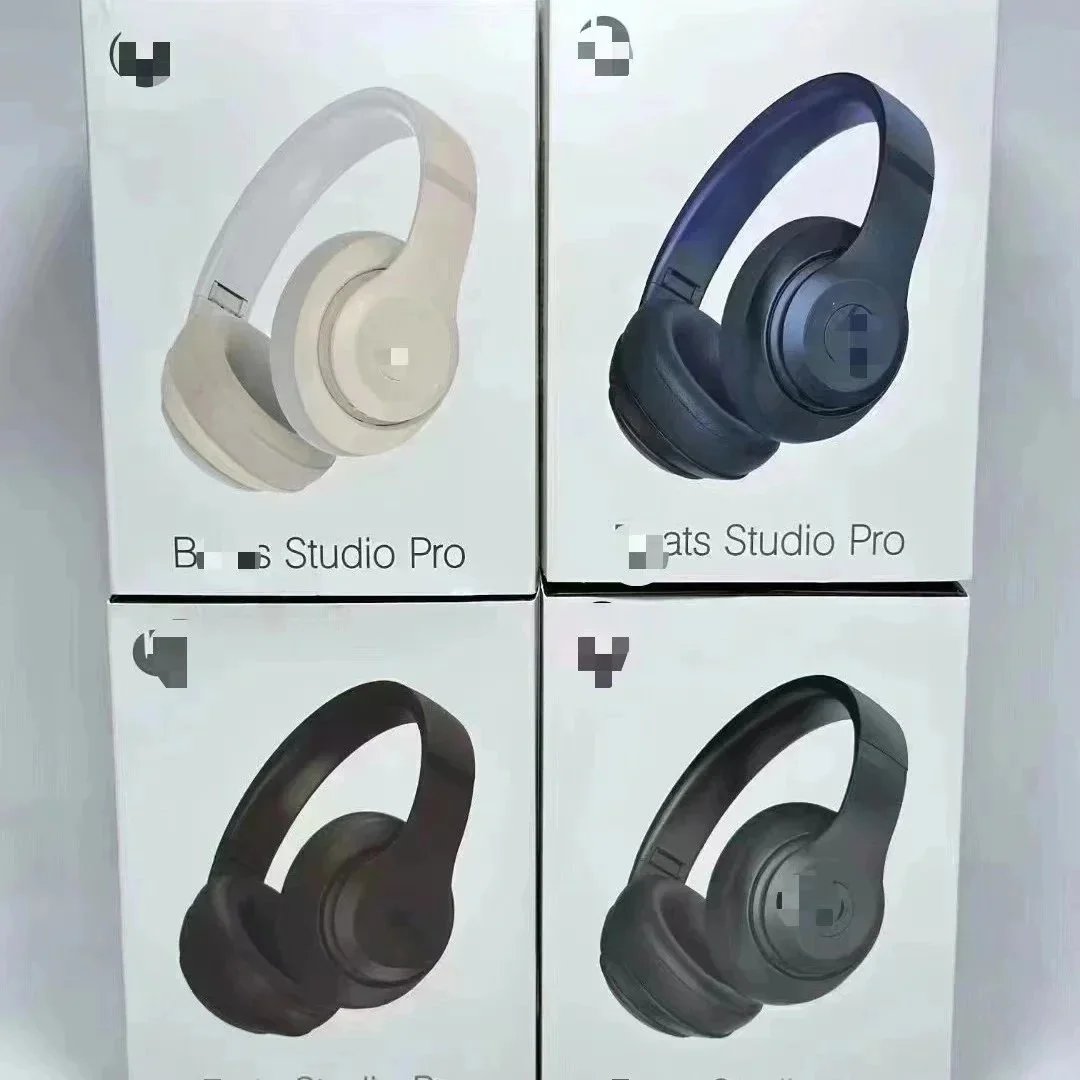
Beats Studio Pro Wireless Headphones - Matte White - 132246

Beats Studio Pro Wireless Headphones with Smart Case - Space Gray - 134230