What Is a Reps Spreadsheet? 2026 Beginner's Guide

What is a reps spreadsheet? A reps spreadsheet is a curated, link-based catalog — usually built in Google Sheets or a Notion-style table — that collects direct purchase links to replica or factory products sold on Chinese marketplaces, so buyers can find a specific item without searching through endless Chinese listings. In plain terms, the reps spreadsheet meaning comes down to one job: it is an organized index of "finds" with a clickable agent link next to each row, so you can go straight from a photo to the exact product page.
For anyone new to daigou (buying-agent) shopping in 2026, the spreadsheet is the map. The marketplaces hold millions of listings with machine-translated titles, duplicate sellers and shifting URLs. A community-maintained finds spreadsheet solves that by recording the working link, the price band and example QC photos in one place. Below we break down how a reps spreadsheet works, how it differs from the agent itself, and the checks that experienced buyers say matter most.
What does "reps spreadsheet" actually mean?
The word "reps" is shorthand for replicas — products modeled on mainstream designs and sold through factory storefronts. A spreadsheet, of course, is just a table. Put together, a reps spreadsheet is a table of replica "finds" where each row is one product and each column tells you something you need to decide whether to buy: the image, the seller or SKU reference, the price, the agent link, and links to community QC pictures.
The terms "reps spreadsheet" and "finds spreadsheet" are used interchangeably across the community in 2026. "Finds" simply emphasizes the discovery angle — someone found a good-looking item and logged it for everyone else. The format is the same either way: a sortable, searchable list whose entire value is the accuracy of its links.
How do spreadsheets work for reps shopping?
Understanding how spreadsheets work for reps comes down to the link chain. Each row contains an agent link — a URL that has already been converted into a buying-agent's product page. When you click it, you land on a shopping agent (such as Oopbuy, CnFans, or KakoBuy) showing that exact item, ready to add to your cart. The spreadsheet itself stores nothing and sells nothing; it is a directory of pointers.
Here is the typical flow buyers describe:
- Browse or search the spreadsheet by category, brand or keyword.
- Open the row and check the photo, price band and any QC links.
- Click the agent link, which opens the product on your chosen agent's site.
- Add to cart and pay the agent, who buys the item from the seller on your behalf.
- Request QC photos once it reaches the agent's warehouse, then ship when you approve.
Because the spreadsheet only holds links, the same product can appear on different agents' versions of the sheet. That is why you will see an "oopbuy spreadsheet", a CnFans sheet and a KakoBuy sheet listing overlapping items — each one routes the click to its own platform. Our home reps spreadsheet index follows the same model: rows in, agent link out.
Which columns are in a reps spreadsheet, and what do they mean?
Most well-built sheets share a common column structure. Reading them correctly is the single most useful skill for a beginner in 2026.
| Column | What it shows | Why it matters |
|---|---|---|
| Image / thumbnail | A photo of the item, often a seller or community shot | Lets you scan visually; community photos are more honest than seller renders |
| Product name | The model or style description | Searchable text so you can filter the sheet quickly |
| SKU / seller reference | An ID or store name pointing to the original listing | Helps confirm you are buying the version the photos show |
| Price | A figure or range in CNY or USD | A reference point only — the live agent price is what you actually pay |
| Agent link | The clickable URL to the product on a buying agent | The core of the row; if this is dead, the entry is useless |
| QC link / batch | Links to quality-check photo albums from past orders | Shows real-world condition, stitching, color and known batch differences |
Not every sheet has all six, and some add extras such as weight, category tags or a "last verified" date. As a rule of thumb the community shares: the more columns a sheet maintains — especially a verified date and QC links — the more trustworthy it tends to be.
What is QC and why does the spreadsheet link to it?
QC stands for quality control: photos the agent takes of your actual item at their warehouse before it ships. Many spreadsheets link to public QC albums so you can preview what previous buyers received for that exact link. Reviewing QC is considered essential in 2026 because two listings with identical photos can ship noticeably different goods. The spreadsheet does not produce QC — the agent does — but a good sheet curates the links so you can check before you commit.
How is a reps spreadsheet different from an agent?
This is the most common beginner confusion, so it is worth stating plainly. The spreadsheet and the agent are two different things doing two different jobs.
- The spreadsheet = the directory. It finds and organizes links. It never takes your money, never holds stock, and never ships a parcel.
- The agent = the service. It is the company that actually purchases the item from the seller, stores it, takes QC photos and forwards your parcel internationally. This is where payment happens.
An analogy buyers use: the spreadsheet is like a restaurant menu posted on a review site, while the agent is the kitchen that cooks and delivers the meal. You read the menu (spreadsheet), then you order from the kitchen (agent). For a deeper look at how one agent's catalog is structured, see our Oopbuy spreadsheet review, and for comparison points across platforms the CnFans spreadsheet review and KakoBuy spreadsheet review walk through the same columns on different agents.
A worked example: reading one row
Imagine a single row in a finds spreadsheet for a hypothetical hoodie. Here is how an experienced buyer would read it, step by step:
Image: A community photo (not a render) showing the print clearly. Name: "Boxy heavyweight hoodie — cream." SKU: store reference #A-204. Price: listed around ¥90–¥120 (roughly $13–$17 as a retail reference, not an offer — the live agent price governs). Agent link: a working URL that opens the item on the chosen agent. QC: an album of three past orders showing consistent stitching.
The buyer's checklist on that row: confirm the agent link loads the same item shown, treat the price as a ballpark rather than a receipt, and skim the QC album for color accuracy and defects. If the link is dead or the QC shows inconsistent batches, the community consensus is to skip the row and find another listing for the same style. This habit — verify link, sanity-check price, review QC — is what separates a smooth first order from a disappointing one in 2026.
How do you use a reps spreadsheet safely in 2026?
Safe use is mostly about reading critically and protecting your payment. The community's most repeated guidance:
- Verify the link is live before getting attached to an item. Listings get pulled often, and a stale agent link is the number-one frustration reported by new buyers.
- Treat prices as references. Spreadsheet prices are snapshots; exchange rates, seller changes and agent fees mean the real total is set on the agent page, not in the sheet.
- Always review QC before shipping. Use the linked albums to see real outcomes, then use your own order's QC photos to approve or refuse before international shipping.
- Pay only through the agent. A legitimate spreadsheet never collects payment. If a "sheet" asks you to pay it directly, that is a red flag.
- Cross-check across sheets. If a popular item appears on the oopbuy spreadsheet plus other agents' sheets, that overlap is a mild signal the find is genuine and not a one-off mislabel.
- Compare agent fees and shipping on the official platforms before you commit. You can confirm an agent's existence and terms via its official channel, for example the Oopbuy official site, and review independent shipping math through a neutral reference like the Wikipedia overview of daigou.
Why are reps spreadsheets so widely used in 2026?
The format won out because it solves the discovery problem cheaply. Marketplaces are not built for foreign buyers, search is unreliable, and listings churn constantly. A maintained finds spreadsheet absorbs that chaos into one table that anyone can sort and search. In 2026, with more agents competing on fees and QC quality, buyers increasingly keep one favored spreadsheet open and route every click through their preferred agent — making the sheet the default front door to the entire daigou process.
FAQ
Is a reps spreadsheet free to use?
Does the spreadsheet sell or ship the products?
Why are the prices in the spreadsheet sometimes wrong?
What does QC mean in a reps spreadsheet?
How is the oopbuy spreadsheet different from a CnFans or KakoBuy sheet?
Popular oopbuy Spreadsheet Products
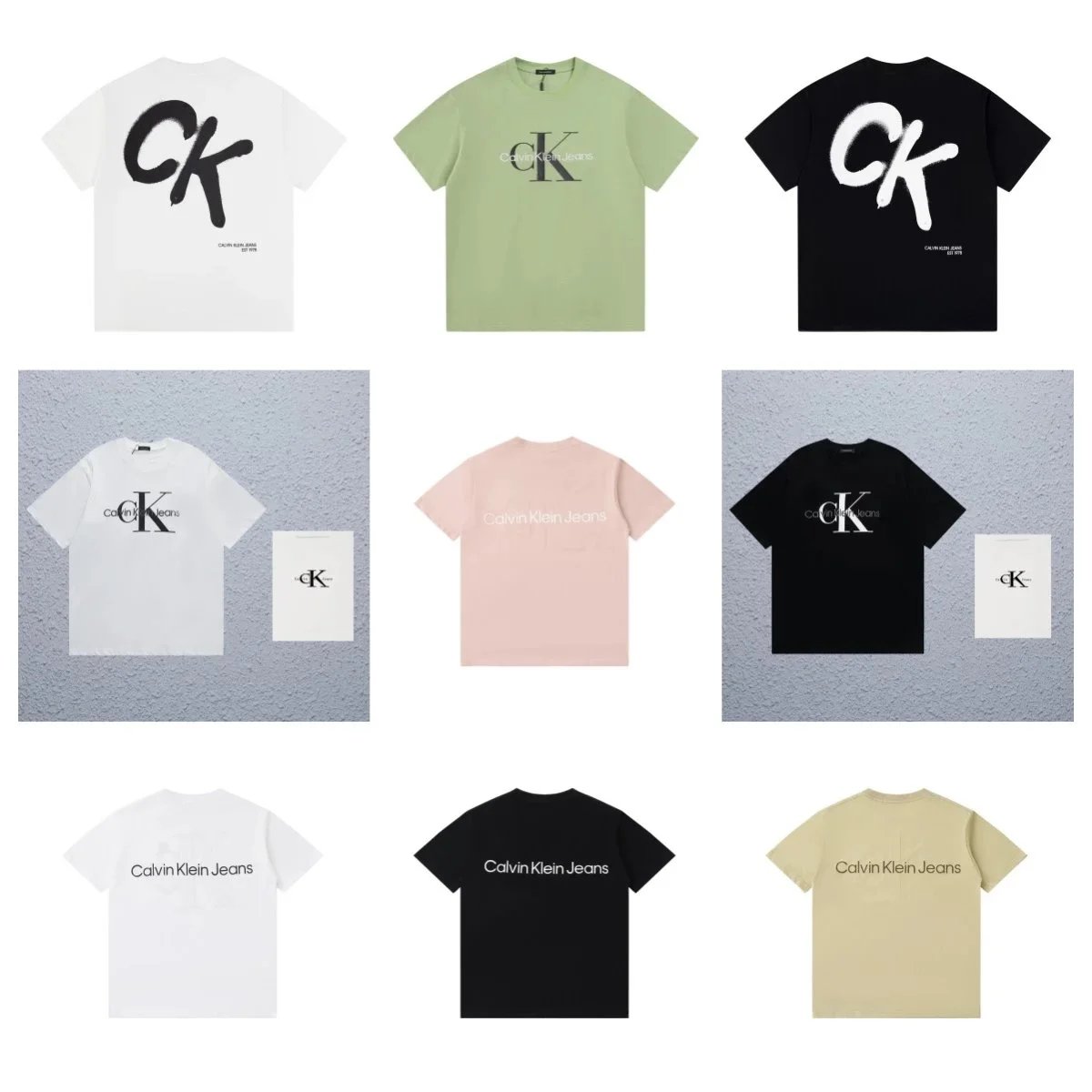
Calvin Klein Jeans CK Logo Graphic T-Shirt - White Brushstroke Print - 135238

Carhartt Active Jac 102784 Duck Work Jacket - Navy with Gray Collar - 133226

Miu Miu Cat-Eye Sunglasses Model 2778 in Black Brown White Red - 134755
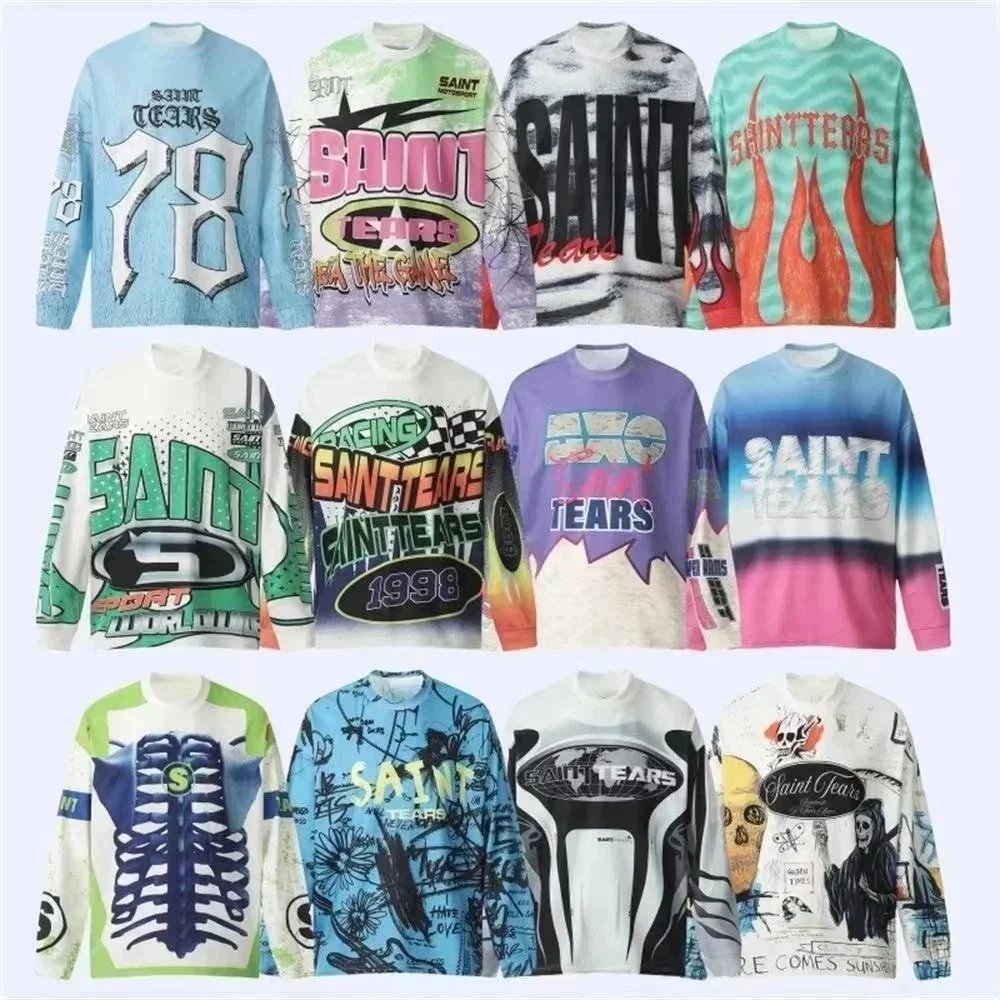
Saint Tears 78 Graphic Long Sleeve Tee - Light Blue Distressed - 136029
Nike Air Jordan 1978 Graphic T-Shirt Black with Vintage Logo - 132024

Lacoste 8378# Navy Blue Track Suit with White Stripes - 135927
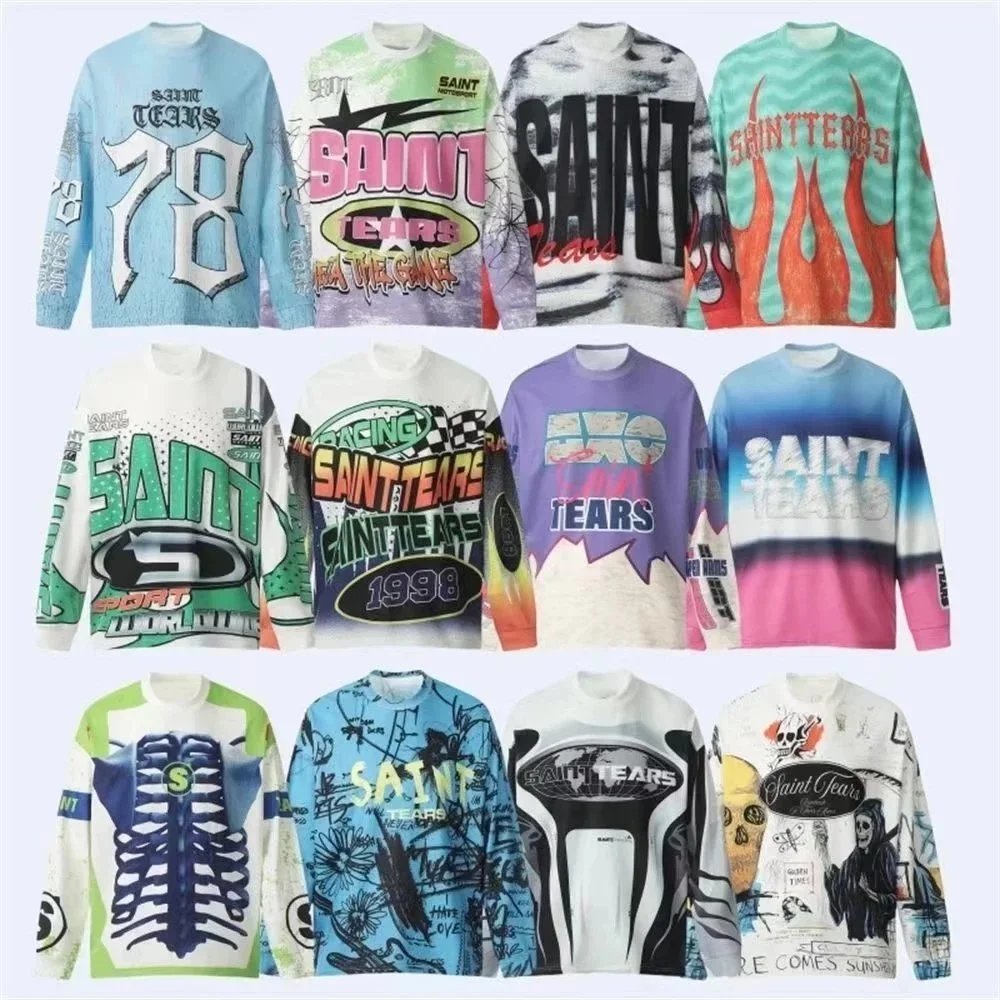
Saint Tears 78 Graphic Long Sleeve Tee - Light Blue - 134613