How to Use Vigorbuy Spreadsheet in 2026 — Complete Walkthrough
This is a neutral, source-checked walkthrough of how a Vigorbuy spreadsheet works in 2026. It aggregates verifiable public information rather than a personal shopping diary, so you will not find invented order numbers, made-up landed-cost figures, or self-assigned star ratings here. Where fees, shipping rates, or timelines matter, the guidance is to confirm the live numbers inside Vigorbuy's own checkout, because agent pricing changes frequently and any hard figure quoted in a static guide can be stale within weeks.
What is the Vigorbuy spreadsheet?
A "Vigorbuy spreadsheet" is a community-maintained list of product links — usually Taobao, Weidian, or 1688 listings — paired with seller names, photos, and notes. The spreadsheet itself is just a discovery layer; the actual purchasing is handled by Vigorbuy acting as a buying agent. As Repsheet's tutorials explain, a buying agent buys the item from the Chinese marketplace on your behalf, receives it at a domestic warehouse, photographs it for quality control, and then forwards it internationally once you approve and pay shipping.
It is worth understanding that agents are largely interchangeable. Aggregators such as JadeShip list Vigorbuy alongside Kakobuy, Joyagoo, ACBuy, Mulebuy, Hoobuy, Superbuy, CSSBuy, Oopbuy, and others — and the same spreadsheet links typically work across most of them because they all source from the same marketplaces. The spreadsheet is not locked to one agent.
Step-by-step: using the spreadsheet
- Open the spreadsheet and find an item. Each row usually holds a marketplace URL, a seller name, and reference photos. Sizing notes, when present, come from other buyers rather than the seller.
- Copy the product link into Vigorbuy. Paste the Taobao/Weidian/1688 URL into the agent's search or cart-import field so it can locate the exact listing and variant.
- Select size and options. Confirm the variant carefully; Chinese sizing often runs differently from Western sizing, so cross-check measurements rather than nominal labels.
- Pay for the item. This first payment covers the product and the agent's service fee only — international shipping is charged later, after the item arrives and is weighed.
- Wait for warehouse arrival and QC. The agent receives the parcel domestically and uploads quality-control photos.
- Review QC, then pay shipping. Approve the photos, choose a shipping line, and pay the calculated freight to dispatch the parcel internationally.
Treat any specific day counts in older guides as illustrative, not guaranteed — actual domestic handling, QC turnaround, and international transit vary by warehouse load, season, and customs.
Fees, coupons and hidden costs
Vigorbuy's headline pricing should always be read from the platform itself before you pay. As a market reference, HowToTao's agent comparison places service fees for this category generally in the 0–10% band, with some agents at 0–5% and others charging a flat 10%. An agent advertising "0% service fee" is not necessarily cheaper overall — that cost is often recovered elsewhere, such as in shipping margins or packing add-ons, which is why the commission number alone is a poor basis for comparison.
Watch for ancillary charges that any agent may apply: payment-processor fees (card or PayPal), currency-conversion spreads, optional vacuum-packing or repacking, and extra QC media beyond the standard set. None of these are quoted here as fixed numbers because they change and differ per account; verify each line item at checkout. Do not trust coupon codes copied from third-party articles — confirm any active promotion on Vigorbuy's own site.
Shipping cost & the 2025 customs change you must know
The single most important update for 2026 buyers is the end of the US de minimis exemption. The duty-free treatment of low-value parcels — historically the reason sub-$800 shipments slipped into the US without import charges — was first closed for China-origin goods effective May 2, 2025 (White House fact sheet) and then suspended for shipments from all countries effective August 29, 2025 (White House presidential action). The scale of what changed is large: US Customs had been processing on the order of 4 million de minimis parcels a day, roughly 1.36 billion in FY2024 at an average value near $45 (Red Stag / CBP data).
Practically, any guide that still implies your US parcel arrives duty-free because it is under $800 is now outdated. Budget for duties and brokerage on top of the freight quote, and treat shipping-line costs in the spreadsheet workflow as the pre-customs figure only.
QC photos: what to check
When the agent uploads quality-control photos, inspect them before approving:
- Correct item and variant — colour, model, and size match what you ordered.
- Logos and stitching — alignment, spelling, and finish look consistent.
- Defects — scuffs, loose threads, glue marks, or damage.
- Hardware and accessories — zippers, buttons, tags, dust bags, or boxes present as expected.
- Soles / electronics function — for footwear check the sole; for electronics ask whether a power test was done.
If something looks wrong, raise it with support before approving — disputes are far easier to resolve while the item is still in the warehouse.
Vigorbuy vs other agents
Compare agents on total landed cost, not on the advertised commission. The framework in NewBuyingAgent's 2026 scoring review weighs the full picture: item cost, service fee, shipping rate to your specific country, packing fees, payment-method costs, and — now — import duties. A "0% fee" agent with higher freight can easily cost more than a "5% fee" agent with cheaper shipping. Since the same spreadsheet links usually run on multiple agents, it is reasonable to price the identical cart on two or three before committing.
Vigorbuy reputation (third-party)
For independent feedback, consult Vigorbuy's public Trustpilot profile rather than any rating quoted in a promotional article: trustpilot.com/review/vigorbuy.com. Open it to see the current TrustScore and read both recent 5-star and recent 1-star reviews — the most useful signal is what repeat complaints (and praise) cluster around, such as shipping reliability or support responsiveness. Be careful with look-alike domains; the official site is vigorbuy.com, and at least one similarly named domain has been flagged with a poor trust score elsewhere.
Why people use agents (market context)
Cross-border shopping through agents sits inside a fast-growing market: market.us sizes cross-border e-commerce at roughly USD 2.2 trillion in 2024, projected toward USD 18.2 trillion by 2034. Agents lower the friction of buying directly from Chinese marketplaces — language, payment, consolidation, and QC. Buyers should stay aware of the counterfeit-goods dimension, however: the OECD's 2025 report estimated global trade in fakes at about USD 467 billion (OECD). QC photos help you confirm what you actually receive, but they do not change the legal status of any given item.
Pros and cons
Pros: access to Taobao/Weidian/1688 listings that don't ship internationally; consolidation of multiple orders into one parcel; QC photos before international dispatch; spreadsheet links portable across agents.
Cons: total cost is hard to predict until shipping and duties are added; QC is photo-based, not hands-on; transit times vary; and since the 2025 customs changes, US (and increasingly other) buyers face import charges that erase the old "cheap landed cost" assumption.
FAQ
Is the Vigorbuy spreadsheet free to use? The spreadsheet is a community link list and is typically free to view; you only pay when you buy an item through the agent.
Do I have to use Vigorbuy with these links? No. The same Taobao/Weidian/1688 links generally work across most agents listed on aggregators like JadeShip, so you can price the cart on several.
Will I pay import duties in 2026? Most likely yes. The US de minimis exemption ended in 2025 (China-origin in May, all countries by August), so low-value parcels that once entered duty-free are now subject to duties — budget for them.
What's the most reliable way to judge Vigorbuy's reputation? Read its live Trustpilot profile for the current score and recent reviews; treat any fixed rating in a promotional article as unverified.
Bottom line
A Vigorbuy spreadsheet is a practical front end for sourcing Chinese-marketplace goods, and the agent workflow — buy, QC, ship — is standard across the category. The honest 2026 verdict is conditional rather than a score: verify current service fees and shipping rates in-platform, price the same cart on a competing agent, budget for import duties now that de minimis is gone, and check the live Trustpilot profile before you commit. Judge it on total landed cost, not on a "0% fee" headline.
Sources
- Repsheet — how a buying agent works (tutorials)
- JadeShip — supported agents list
- HowToTao — agent service-fee comparison
- White House — closing de minimis (China-origin), April 2025
- White House — suspending de minimis for all countries
- Red Stag — de minimis parcel volume (CBP FY2024)
- NewBuyingAgent — 2026 scoring-based agent review
- Trustpilot — Vigorbuy profile
- market.us — cross-border e-commerce market size
- OECD — global trade in fake goods (2025)
Popular oopbuy Spreadsheet Products

Diadora 483 Original White Air Green Grey Retro Running Shoe - 136396

Saint Laurent SL 148 Cat-Eye Sunglasses Black Gold Logo - 136220
Diadora 483 Original White Air Retro Running Shoe - Gray Green - 134816
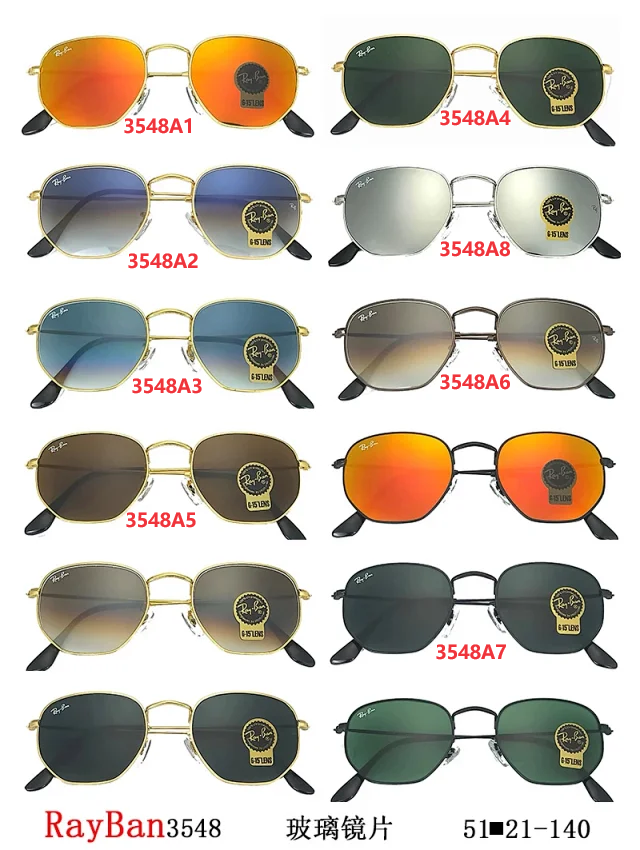
Ray-Ban 3548 Aviator Sunglasses with Gold Frame and Gradient Lens - 133257
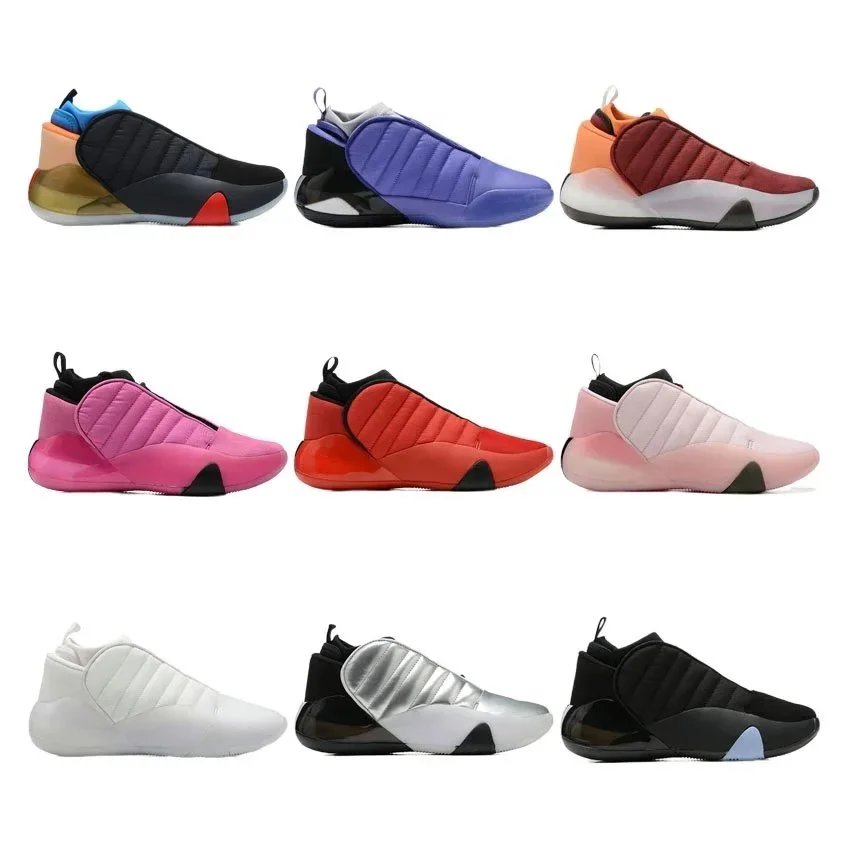
Adidas Y-3 Qasa High Premium Quilted Sneaker - Multi Color - 131554
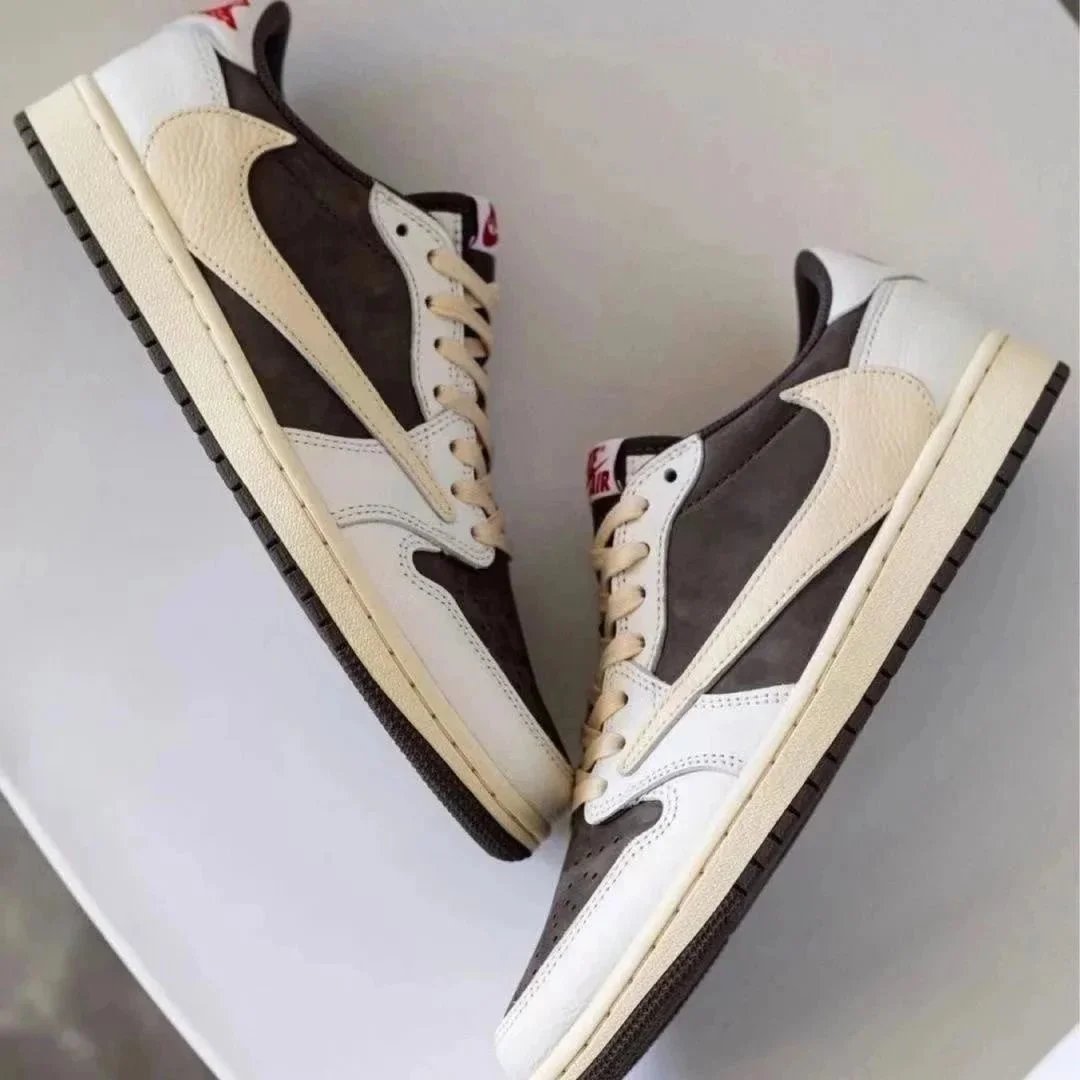
Nike Air Jordan 1 Low Travis Scott Reverse Mocha - 133944
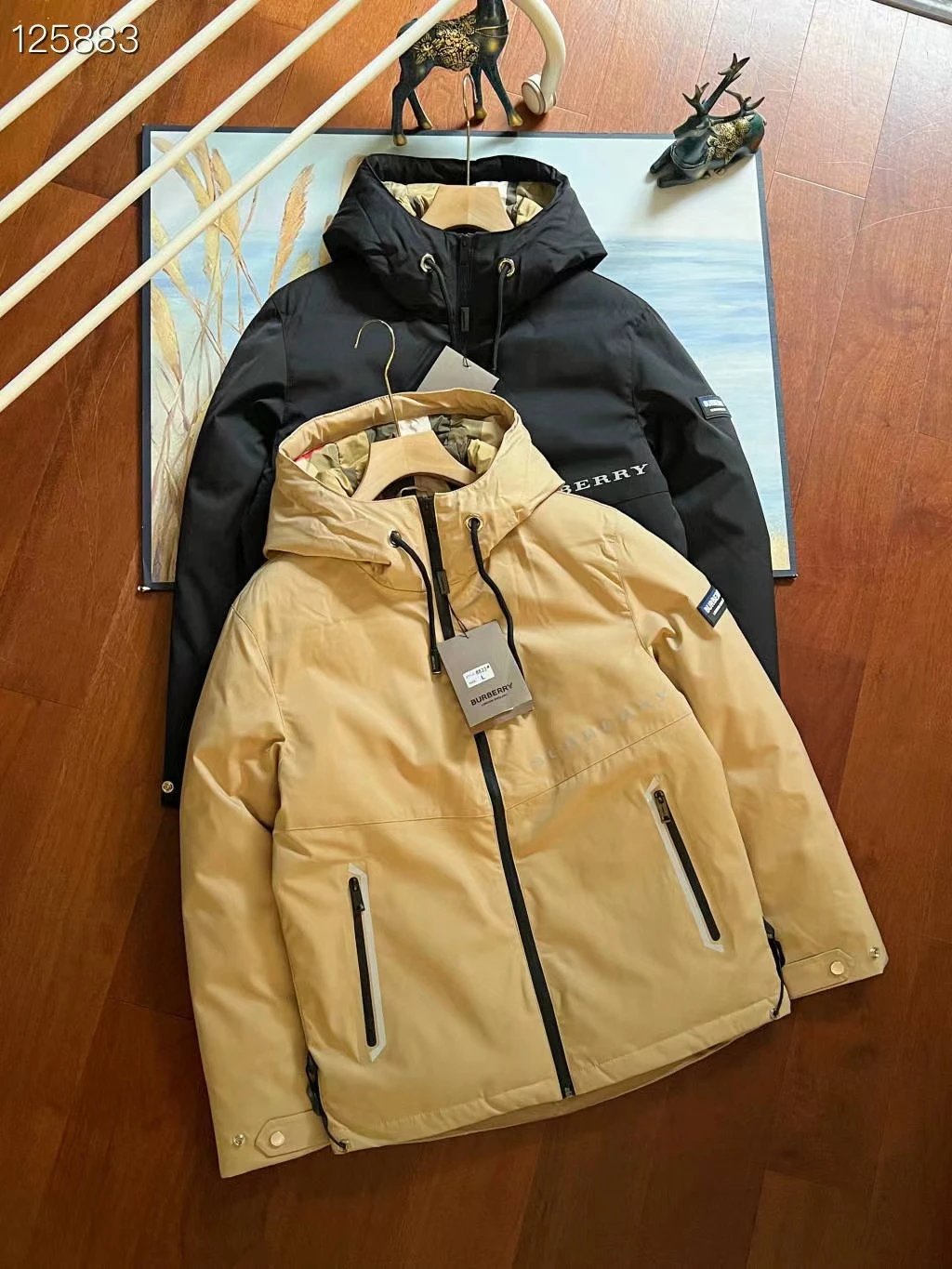
Burberry Hooded Puffer Jacket Beige with Reflective Zippers - 136779