How to Use Tangbuy Spreadsheet in 2026 — Complete Walkthrough
This is a neutral, source-based walkthrough of using a Tangbuy spreadsheet to order from Chinese marketplaces in 2026. It aggregates verifiable public information and links every external claim. It does not describe any order we personally placed, and it states no self-assigned rating, invented fee, or guaranteed shipping price — those numbers change constantly and must be confirmed inside the Tangbuy app before you check out. Where a figure matters, you will find a citation in the Sources list at the end.
What is the Tangbuy spreadsheet?
A "spreadsheet" in the buying-agent world is simply a shared list of product links — usually pointing to Taobao, Weidian or 1688 listings — that buyers copy into an agent's checkout. Tangbuy is one of many agents that accept these links. As community guides explain, a buying agent purchases the item from the Chinese seller on your behalf, receives it into a warehouse, photographs it for quality control, and then forwards it internationally to you (Repsheet tutorials).
It is worth knowing up front that agents are largely interchangeable. Aggregators such as JadeShip let the same product link resolve across Tangbuy, Kakobuy, Joyagoo, ACBuy, Mulebuy, Superbuy, CSSBuy, Oopbuy and others. The spreadsheet is not unique to one agent; you can run the identical link list through whichever service offers the best total cost on a given day.
How to use a Tangbuy spreadsheet (step by step)
- Open the spreadsheet. Each row typically contains a product name, a thumbnail, and a marketplace link. Pick the rows you want.
- Copy the product link and paste it into the Tangbuy search or "submit link" field on the official Tangbuy site or app.
- Choose options (size, colour, variant) exactly as shown on the original listing, then add to cart.
- Pay the purchase cost so the agent buys the item and brings it into its warehouse.
- Review the QC photos the agent takes once the item arrives (see the checklist below).
- Submit your parcel for shipping, choose a forwarding line, and pay the international freight and any applicable duties.
Treat any specific per-step timing you see quoted online as an estimate only. Warehouse intake, QC turnaround and freight transit all vary by season, line and destination, and no fixed schedule should be taken as a promise.
Fees, coupons and hidden costs
Tangbuy, like most agents, layers several charges on top of the item price: a service/commission fee, payment-processor surcharges, domestic Chinese shipping into the warehouse, and the final international freight. Do not rely on any number quoted in a third-party article as "current." Verify the live service fee and any promotion inside the Tangbuy platform itself before paying.
For context, an independent survey of agent commissions found service fees generally sit in a 0–10% band of item cost, with several popular agents at the low end (HowToTao). Use that band as a sanity check: a quoted fee well outside it deserves scrutiny. We are not publishing a coupon code, because codes expire and many circulating ones are invalid — check the agent's own promotions page instead.
Shipping cost & the 2025 customs change you must know
If you are budgeting a 2026 order against an older guide, the biggest correction is duties. The long-standing US de minimis exemption that let low-value parcels enter duty-free no longer applies. For China-origin shipments it was removed effective May 2, 2025 (White House fact sheet), and a later action suspended duty-free de minimis treatment for shipments from all countries effective August 29, 2025, regardless of value (White House presidential action).
That matters because the channel was enormous: CBP had been processing on the order of 4 million such shipments a day, roughly 1.36 billion parcels in FY2024 at an average declared value near $45 (Red Stag, citing CBP). Any guide still implying that sub-$800 parcels arrive in the US duty-free is now outdated. Build your 2026 estimate around freight plus potential import duties, and confirm your country's current rules before you ship.
QC photos: what to check
When the QC images land, slow down and inspect them rather than approving on sight:
- Correct item, size and colourway — match against the original listing photos.
- Logos and text — spacing, font and alignment.
- Stitching and seams — look for loose threads or crooked rows.
- Hardware — zippers, buttons and soles seated and even.
- Defects — stains, scuffs, glue marks.
- Accessories — box, tags, dust bag if expected.
If something looks wrong, raise it with support before you pay for international shipping — that is the cheapest point to request a replacement or refund.
Tangbuy vs other agents
Because the same spreadsheet link works across services, compare agents on total landed cost — item price, service fee, domestic shipping, international freight and now duties — not on the headline commission percentage alone. A lower stated fee can still lose to a rival once freight and surcharges are added. Independent reviewers recommend scoring agents on the all-in delivered price for your specific parcel and route (NewBuyingAgent). Run a quote through two or three agents before committing.
Tangbuy reputation (third-party)
For an outside read on reliability, consult the live Trustpilot profile rather than any number quoted here: trustpilot.com/review/tangbuy.com. We deliberately do not state a TrustScore, because scores move over time. Open the page yourself to see the current rating, the volume of reviews, and — most usefully — read several recent 5-star and 1-star reviews to understand the typical complaint and praise patterns before you decide.
Why people use agents (market context)
Cross-border shopping through agents has grown alongside the wider market, which research firms size at about USD 2.2 trillion in 2024 and project toward USD 18.2 trillion by 2034 (market.us). A serious caveat applies to the replica and "rep" listings that populate many spreadsheets: the OECD reported that global trade in counterfeit goods reached roughly USD 467 billion, raising consumer-safety and intellectual-property concerns (OECD, 2025). Counterfeit footwear specifically is a large share of seizures (RunRepeat/OECD data). Buying replicas may breach customs rules in your country.
Pros and cons
Pros: access to Chinese marketplaces that do not ship abroad directly; QC photos before forwarding; parcel consolidation to cut freight; the same link list works across many agents, so you can shop on price.
Cons: fees and freight stack up and now include import duties; QC catches obvious flaws but not authenticity or legality; support quality varies; and counterfeit listings carry real customs and safety risk.
FAQ
Will I pay import duties in 2026? Likely yes. The US de minimis duty-free exemption ended in 2025 for China-origin and then all shipments, so most parcels can now incur duties. Check your own country's current rules and budget accordingly.
Is the Tangbuy spreadsheet exclusive to Tangbuy? No. The same product links can be run through many interchangeable agents listed on aggregators like JadeShip.
How much is Tangbuy's service fee? Verify the current fee in-platform. Across the industry, agent commissions generally fall in a 0–10% range, but the live figure is what counts.
Can QC photos guarantee authenticity? No. QC confirms the item matches the listing and has no obvious defects; it does not verify that a branded item is genuine or legal to import.
Bottom line
A Tangbuy spreadsheet is a convenient way to push a curated link list through one agent's checkout, but it offers nothing that locks you in — the same links work elsewhere. Decide on total landed cost including 2026 duties, inspect QC photos carefully, check the live Trustpilot profile before paying, and be aware of the legal and safety risks around replica goods. We are not assigning a numeric score; the verifiable facts above should let you judge for yourself.
Sources
- Repsheet — how buying agents work (tutorials)
- JadeShip — supported / interchangeable agents
- Tangbuy — official site
- HowToTao — agent service-fee comparison
- White House — de minimis exemption closed (China-origin, May 2, 2025)
- White House — de minimis suspended for all countries (Aug 29, 2025)
- Red Stag — de minimis parcel volume (CBP FY2024)
- NewBuyingAgent — compare on total landed cost
- Trustpilot — Tangbuy reviews profile
- market.us — cross-border e-commerce market size
- OECD — global trade in fake goods (2025)
- RunRepeat — counterfeit footwear statistics
Popular oopbuy Spreadsheet Products
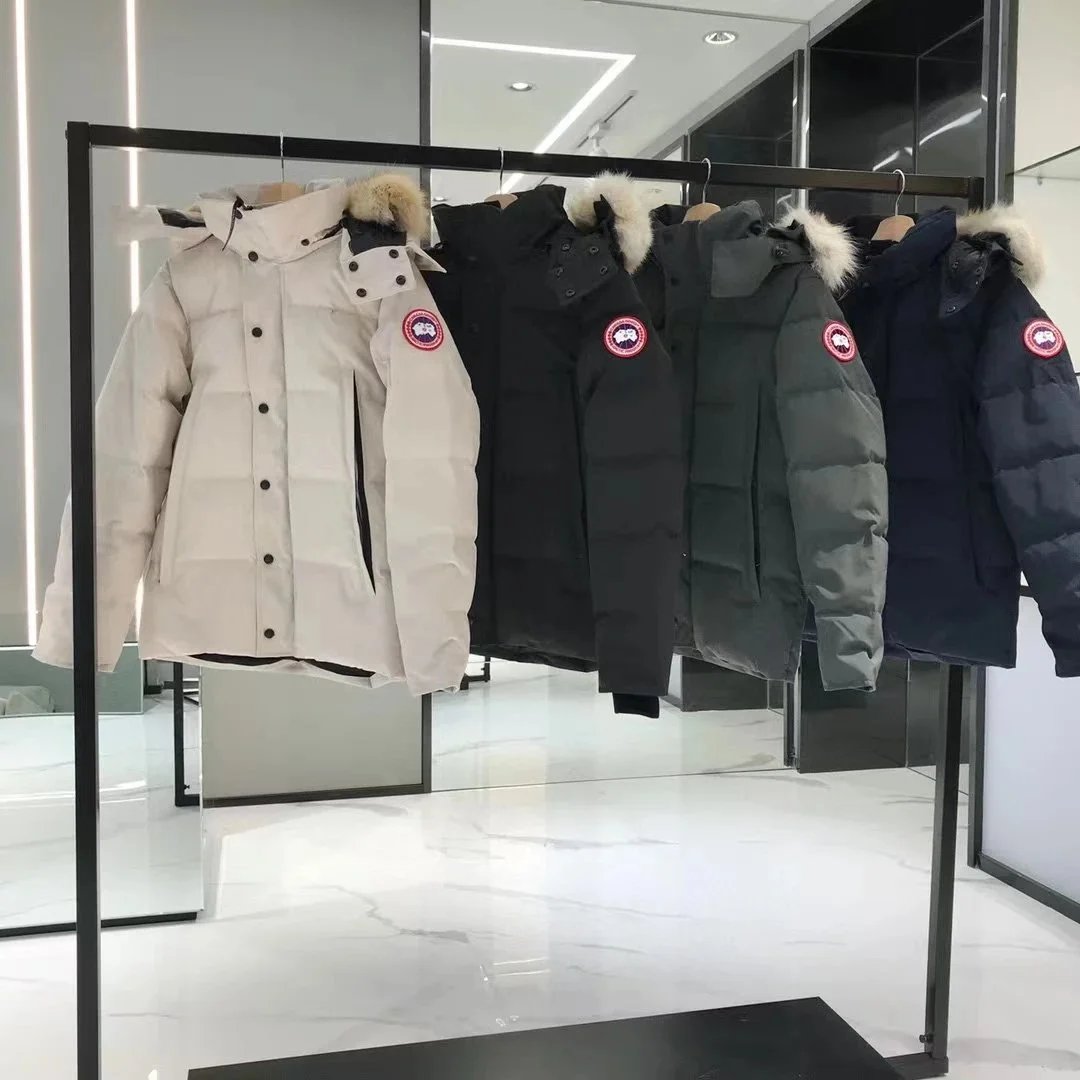
Canada Goose Expedition Parka with Fur Trim - White - 132615
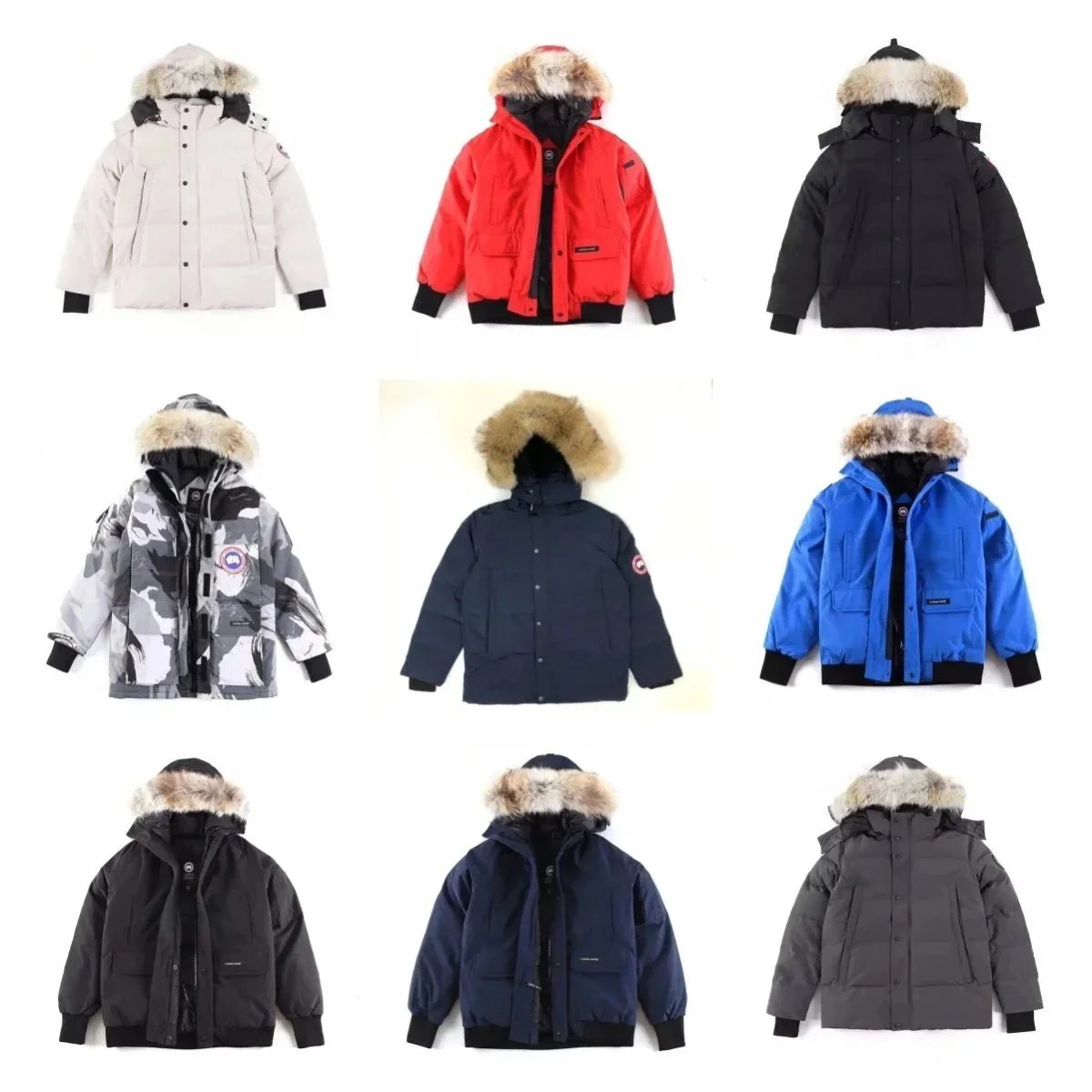
Canada Goose Expedition Parka with Removable Fur Trim Hood - 134871

Chrome Hearts Cross Motif Hoodie - Black with Blue Embroidery - 134864
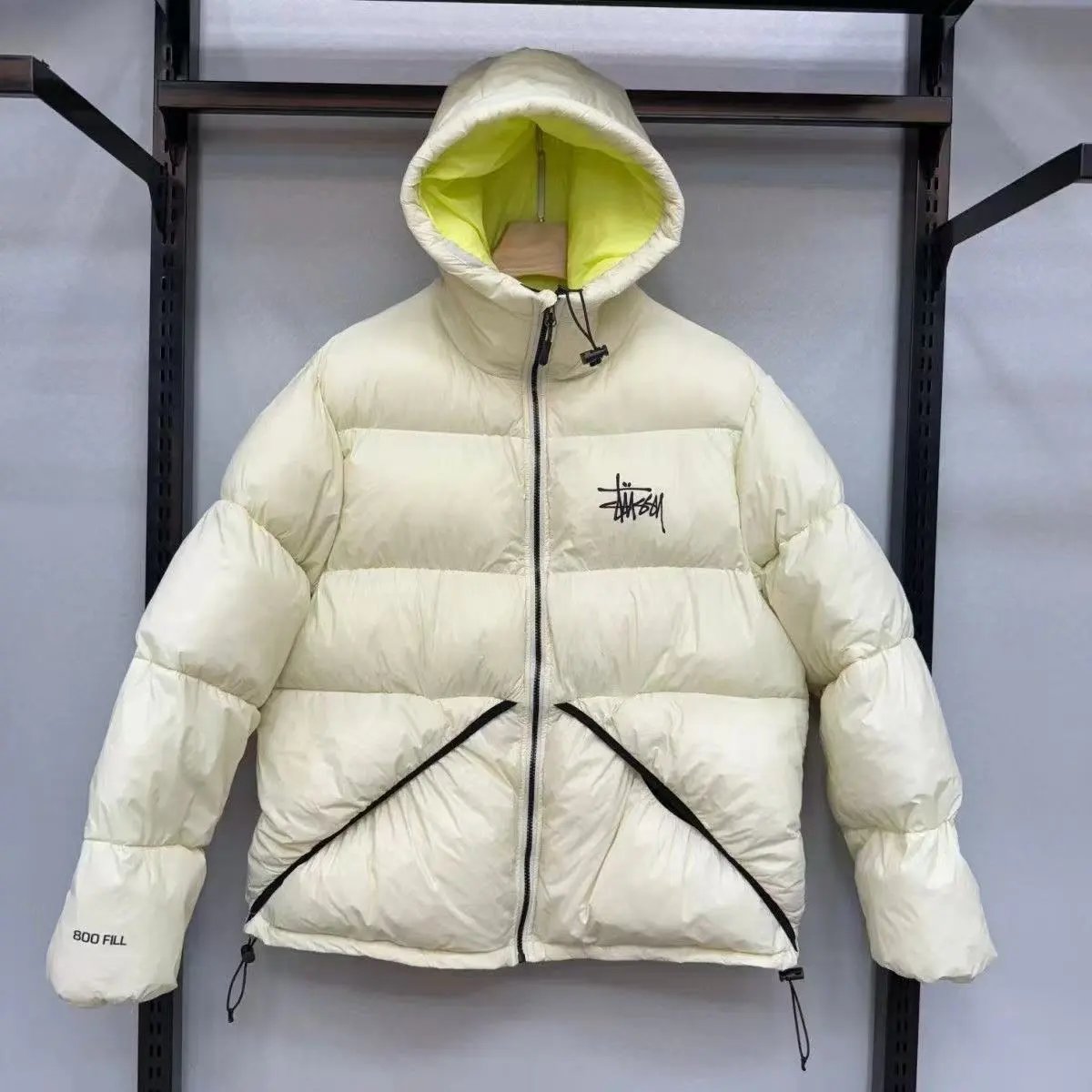
Stussy 800 Fill Puffer Jacket - Cream with Neon Yellow Lining - 132602
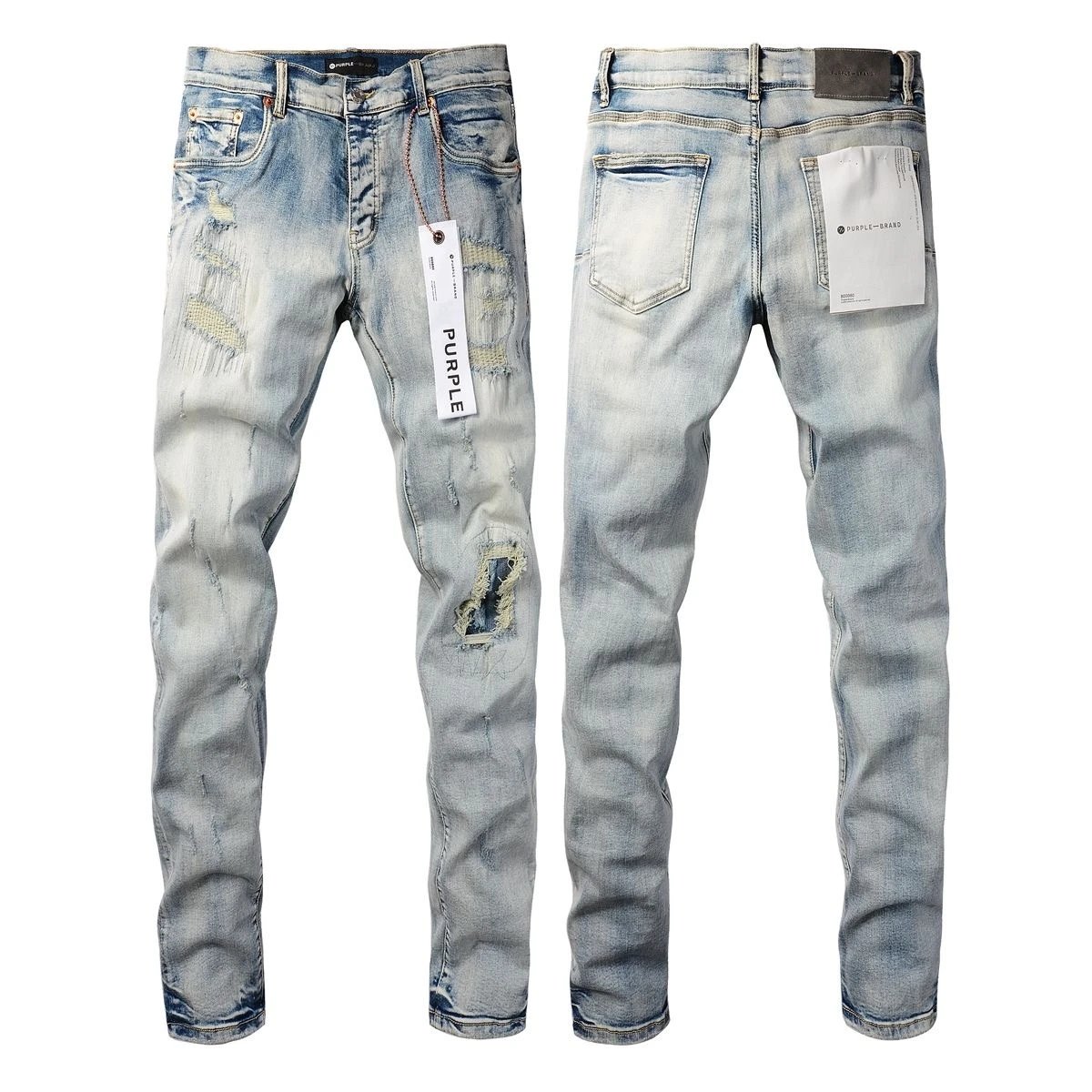
Purple Brand Distressed Light Wash Slim Fit Jeans - 135878
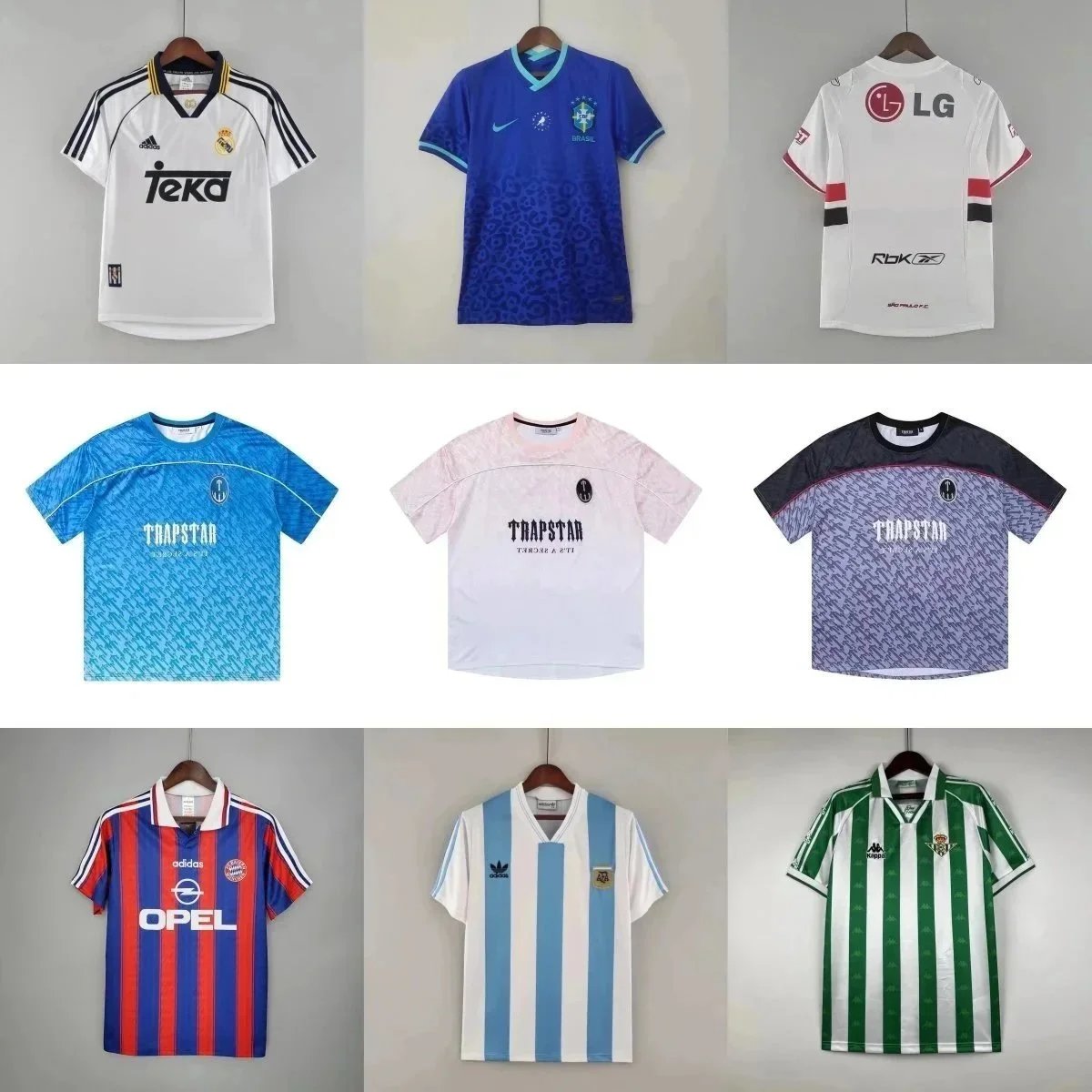
Real Madrid 2000-01 Home Jersey White with Tekka Sponsor - 131989

Nike ZoomX Vaporfly 3 Running Shoes - Gradient Colorway - 134689