How to Use CNshopper Spreadsheet in 2026 — Complete Walkthrough
This is a neutral, source-backed walkthrough of how to use a CNshopper spreadsheet in 2026, built from verifiable public information rather than any personal purchase history. We placed no orders and assign no star rating. Where fees, shipping prices, or timelines appear below, they are described as variables you must confirm inside the live platform at checkout, because no fixed figure can be honestly guaranteed by a third-party directory. Treat this as a map of the process and the things worth checking, not a promise of specific costs.
What is the CNshopper spreadsheet?
A "spreadsheet" in this corner of the reseller and replica community is simply a shared list of product links on Chinese marketplaces such as Taobao, Weidian and 1688, paired with seller notes and reference photos. The spreadsheet itself is not owned by any single agent. CNshopper is one buying agent that lets you paste those links into its system so it can purchase on your behalf. As Repsheet's tutorials explain, the core mechanics of any China buying agent are the same: the agent buys the item from the domestic marketplace, receives it into a warehouse, photographs it for quality control, then forwards it internationally once you pay shipping (repsheet.net/tutorials).
Because the workflow is standardized, agents are largely interchangeable. Aggregators like JadeShip list CNshopper alongside many alternatives — kakobuy, joyagoo, acbuy, mulebuy, allchinabuy, hoobuy, superbuy, cssbuy, oopbuy, loongbuy and others — and most accept the same spreadsheet links (jadeship.com). The practical takeaway: the spreadsheet decides what you buy; the agent decides the service quality and the total bill.
Step-by-step: using the spreadsheet with CNshopper
- Open the spreadsheet and copy the marketplace URL for the item you want.
- Paste the link into CNshopper via its link-conversion box or browser tool. Confirm the listing resolves to the correct seller, variant, size and color before adding to cart.
- Pay the item cost plus the agent's service fee. Verify the fee shown at checkout rather than assuming a flat rate (see the next section).
- Wait for warehouse receipt and QC photos. Inspect them before approving consolidation.
- Consolidate parcels if you ordered multiple items, then choose a shipping line.
- Pay international shipping and budget for import duties at delivery (see the customs section).
Fees, coupons and hidden costs
Buying-agent service fees across the market generally fall in a 0–10% band of the item cost. HowToTao's survey of popular agents puts most in that range, with some charging 0–5% and others closer to 10% (howtotao.com). CNshopper's exact percentage, any handling surcharges (consolidation, protective wrapping, vacuum packing) and any active coupon codes change over time, so confirm them on the platform at the moment you check out. We are not publishing a specific coupon code or fee figure here, because we cannot verify one as current. The only number that matters is the one CNshopper shows you before you pay.
Shipping cost & the 2025 customs change you must know
The single biggest update to budgeting for 2026 is the end of duty-free low-value imports into the United States. The US first removed the de minimis exemption for China-origin shipments effective May 2, 2025 (White House fact sheet), then suspended duty-free de minimis treatment for shipments from all countries effective August 29, 2025, so the exemption "no longer applies to any shipment of articles regardless of value" (White House presidential action). For scale, CBP had been processing roughly 4 million such low-value parcels a day — about 1.36 billion in FY2024, averaging near $45 each (Red Stag, citing CBP).
What this means in practice: any older guide claiming that parcels under $800 slip into the US duty-free is now outdated and wrong. For 2026, assume duties and fees apply on top of item cost and shipping. Do not under-declare parcel value on customs forms to dodge this — it is the buyer's legal exposure, not the agent's. Build your budget around landed cost (item + service fee + shipping + duties), and treat any specific per-kilogram rate or delivery-window claim as something to confirm with the live shipping quote, since lines and surcharges fluctuate.
QC photos: what to check
Quality-control photos are the main protection a buying agent offers, so review them carefully before approving shipment. A neutral checklist:
- Correct item: model, colorway, size and quantity match your order.
- Logos and text: spelling, font and placement look right; misaligned or fuzzy branding is a red flag.
- Stitching and seams: even, no loose threads or gaps.
- Material and finish: texture and sheen match the listing photos.
- Hardware: zippers, buttons and soles are intact and functional.
- Damage: no stains, scuffs or transit dents.
If anything looks off, raise it with the agent before consolidation — disputes are far easier to resolve while the item is still in the warehouse.
CNshopper vs other agents
The fairest way to compare agents is on total landed cost, not on the headline commission percentage. A lower service fee can be erased by higher shipping markups, packing surcharges or unfavorable currency handling. NewBuyingAgent's scoring framework recommends evaluating the full delivered price and overall transparency rather than a single fee number (newbuyingagent.com). Since CNshopper accepts the same spreadsheet links as its peers (JadeShip), the practical test is to price an identical cart through two or three agents and compare the all-in delivered total to your country.
CNshopper reputation (third-party)
For independent feedback, check CNshopper's Trustpilot profile directly rather than relying on any number quoted in a guide: trustpilot.com/review/cnshopper.com. Open it to see the current TrustScore and, importantly, read a spread of recent reviews — both the 5-star and the 1-star entries — to judge how the agent handles shipping delays, lost parcels and refunds today. Reputations shift, so the live profile is more reliable than any static rating reproduced elsewhere.
Why people use agents (market context)
Cross-border e-commerce is large and growing — valued at roughly USD 2.2 trillion in 2024 and projected to expand sharply over the following decade (market.us). Agents exist to give overseas buyers access to Chinese marketplaces that don't ship internationally or take foreign cards. A separate, honest caveat for spreadsheet buyers: a meaningful share of demand is for replica goods, and the global trade in counterfeit and pirated products reached an estimated USD 467 billion, raising consumer-safety and intellectual-property concerns (OECD, 2025). Counterfeit footwear specifically is a large recurring category in that data (RunRepeat). Buyers should understand the legal and quality risks before ordering.
Pros and cons
Pros: access to Taobao, Weidian and 1688 without a domestic account; consolidation can cut per-item shipping; QC photos reduce the chance of accepting a defective item; the same spreadsheet works across competing agents, so you can shop around.
Cons: total cost is no longer cheap now that US de minimis is gone and duties apply; fees and surcharges can be opaque until checkout; shipping times vary by line and customs; and replica purchases carry legal and safety risks the agent does not shoulder for you.
FAQ
Will I pay import duties in 2026? Most likely yes. The US ended duty-free de minimis treatment for China-origin parcels in May 2025 and for all countries in August 2025, so low-value shipments are no longer exempt. Budget for duties on top of item and shipping cost.
How much is CNshopper's service fee? Confirm it at checkout. Market fees generally run 0–10% of item cost, but only the figure shown in your CNshopper cart is authoritative.
Is the spreadsheet exclusive to CNshopper? No. The spreadsheet is a community list of marketplace links; CNshopper is one of many agents that accept those links, alongside options listed on JadeShip.
How do I know if my item is good quality? Review the QC photos before approving shipment, checking logos, stitching, materials and hardware, and raise any issue with the agent while the item is still in the warehouse.
Bottom line
CNshopper is a functional, broadly interchangeable buying agent for spreadsheet shopping: paste links, pay item cost plus a service fee, inspect QC photos, consolidate and ship. The process is straightforward, but 2026 economics have changed — duty-free entry into the US is over, so judge any agent on total landed cost rather than commission alone, and verify every fee and shipping quote inside the platform before paying. For an outside read on reliability, consult the live Trustpilot profile rather than any rating quoted in a guide.
Sources
- Repsheet — how buying agents work (tutorials)
- JadeShip — supported agents list
- HowToTao — agent service-fee comparison
- White House — closing de minimis for China-origin shipments (2025)
- White House — suspending de minimis for all countries (2025)
- Red Stag — de minimis parcel volume (CBP FY2024 data)
- NewBuyingAgent — compare on total landed cost
- market.us — cross-border e-commerce market size
- OECD — global trade in fake goods reached USD 467 billion (2025)
- RunRepeat — counterfeit footwear statistics
- Trustpilot — CNshopper profile
Popular oopbuy Spreadsheet Products
Nike M2K Tekno White Black Volt Reflective Mesh Sneaker - 133562

Balenciaga Black Crewneck Sweatshirt with Interlocking Logo - 135042
Off-White Vulcanized Arrow Low-Top Sneaker White Purple - 133832
Essentiel Antwerp Stripe-Trim Wide-Leg Denim Jeans Blue - 135804
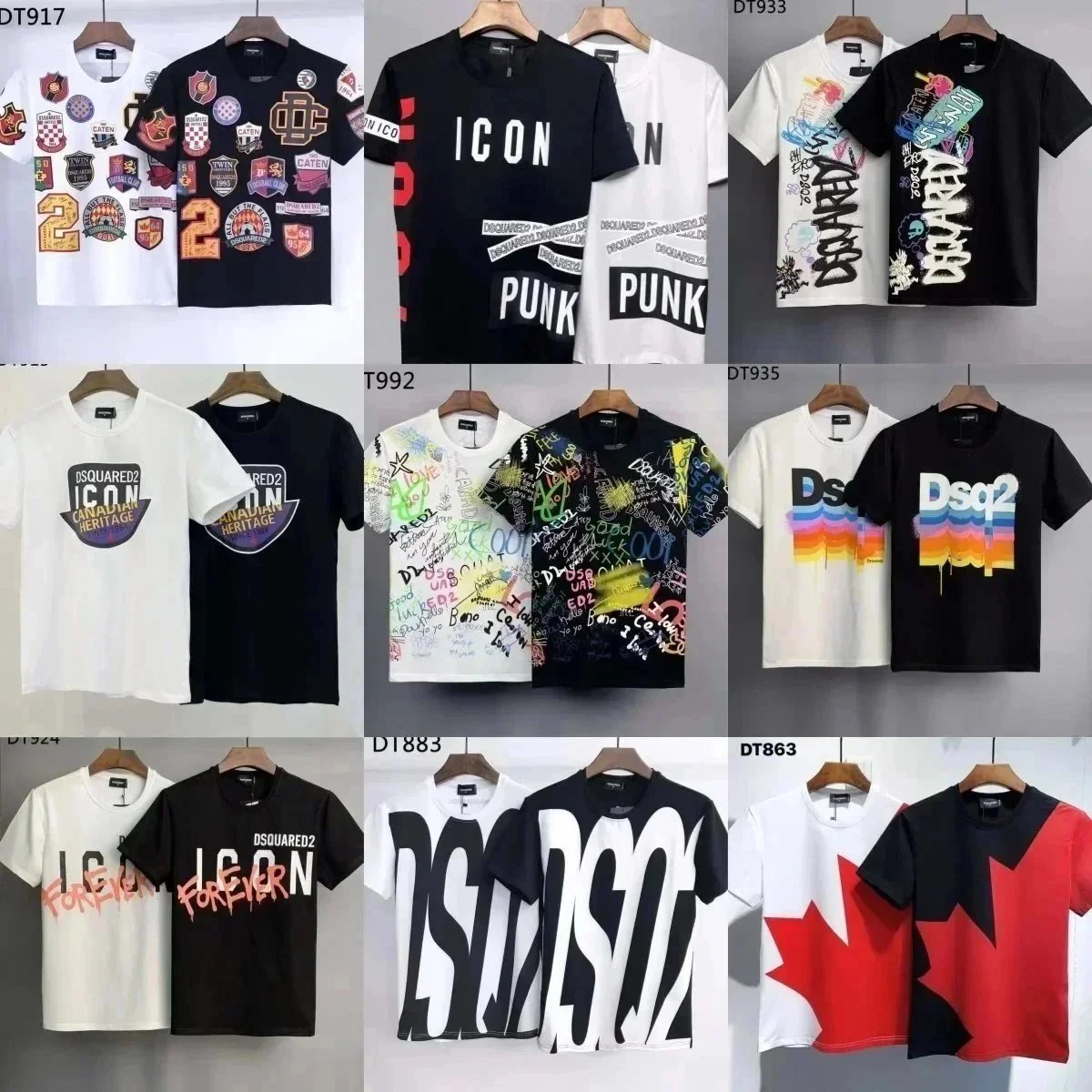
DSQUARED2 Icon Canadian Heritage Patchwork T-Shirt Black - 136211
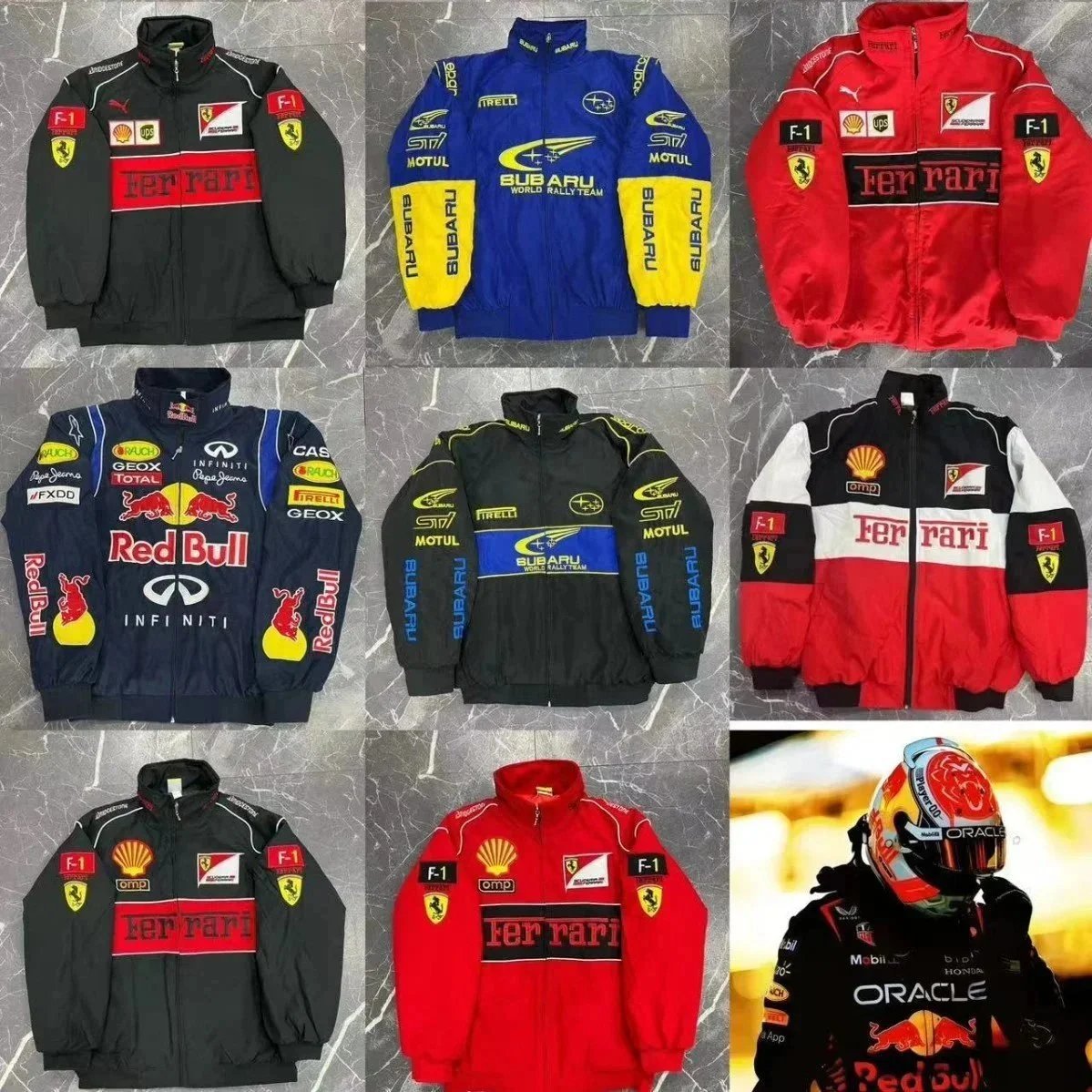
Ferrari F1 Team Racing Jacket Red Black Shell OMP Sponsor - 133893

Polo Ralph Lauren Bear Graphic Crewneck Sweatshirt Navy Blue - 133911