Oopbuy QC Photos in 2026 — What Quality-Check Photos Show & How to Read Them
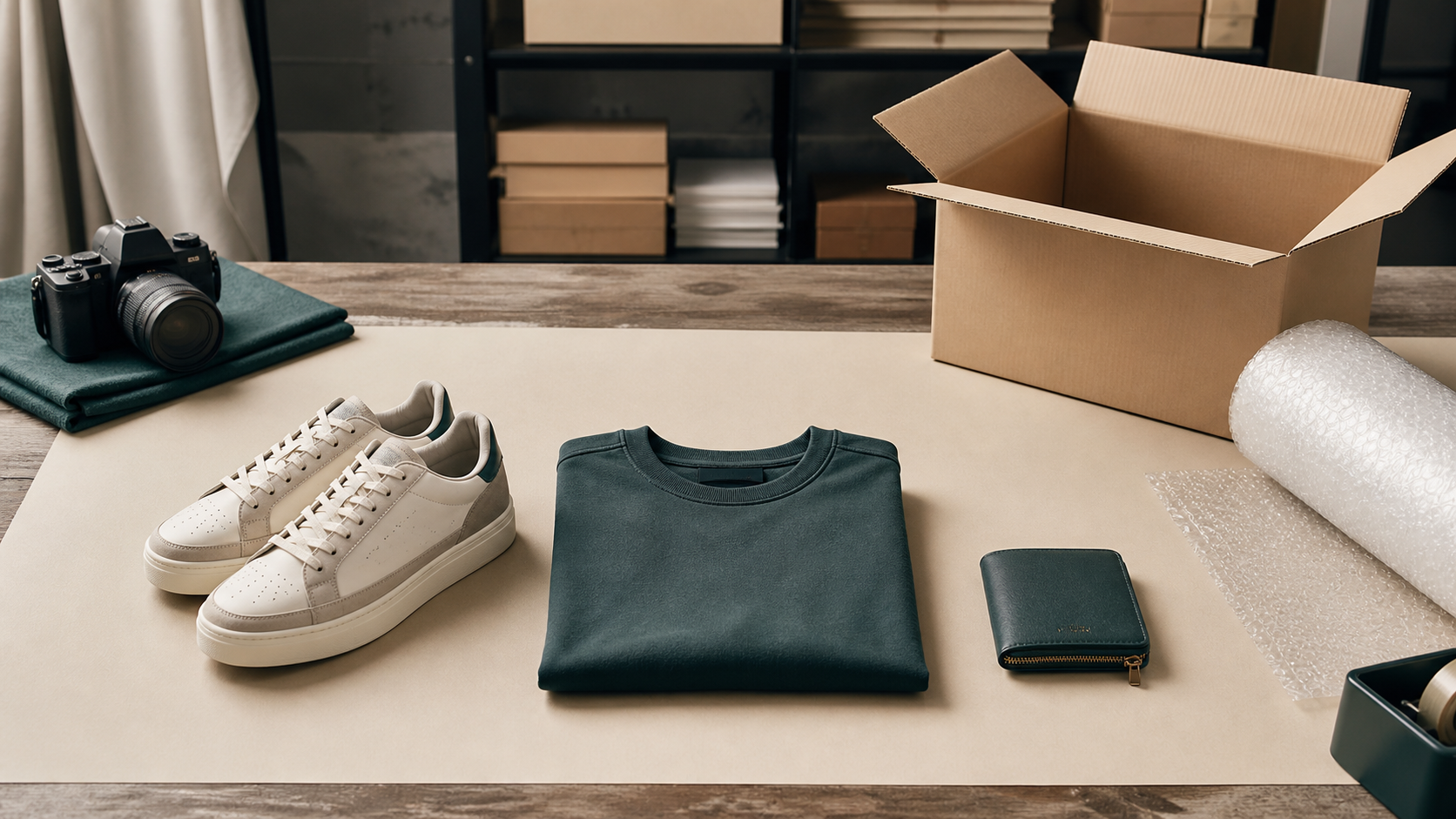
Every experienced spreadsheet buyer leans on one step more than any other: the QC photo. When you order through Oopbuy, the item first lands at the agent's warehouse in China, where staff photograph it and hold it until you decide what to do. Those quality-check photos are your only realistic chance to inspect the product before committing to international shipping — and the difference between a smooth haul and an expensive mistake. This guide explains what QC photos are, how the step works on Oopbuy in 2026, and exactly how to read them.
What Are QC Photos?
"QC" stands for quality control (often used interchangeably with "quality check"). A QC photo is a picture of your specific unit — not the seller's catalogue shot — taken by the agent's warehouse team after the seller delivers it to them. Standard QC on Oopbuy is free and typically includes several photos showing the item front and back, key details, tags and any obvious flaws. The point is simple: you are buying unseen from a third-party seller, and QC is the checkpoint that lets a neutral warehouse show you what actually arrived.
Crucially, QC is not a guarantee of authenticity or a grade — it is a condition report. The warehouse confirms the item exists, matches roughly what you ordered, and flags visible defects or damage. Judging whether the product itself is good comes down to its batch and quality tier, plus your own eye on the photos.
Where QC Fits in the Oopbuy Order Flow
Understanding the timeline removes most of the anxiety around QC. A typical 2026 order runs like this:
| Stage | What happens | Typical time |
|---|---|---|
| 1. Order | You buy via the spreadsheet link; the agent purchases from the seller | Same day |
| 2. Seller → warehouse | The seller ships domestically to the Oopbuy warehouse | 2–7 days |
| 3. Intake & QC | Warehouse logs the parcel and takes QC photos | 1–4 days |
| 4. You review | You inspect QC and approve, request more photos, or refund | Your call |
| 5. Consolidate & ship | Approved items are packed into one box and shipped internationally | See shipping guide |
The QC step sits before you pay international shipping — which is the whole point. For how stages 5 onward cost out by line and weight, see our 2026 Oopbuy shipping & customs guide, and for the full ordering basics the Oopbuy spreadsheet walkthrough.
How to Request QC Photos on Oopbuy
For most orders you do not need to "request" anything — standard QC photos appear automatically once the item is processed. Open your parcel list, find the item, and the photos are attached. If you want more than the default set, you can usually ask for:
- Extra angles or close-ups — soles, inner labels, seams, hardware, screen-on shots for electronics.
- Measurements — length, width, insole or garment dimensions when sizing is borderline.
- A weight — useful for estimating shipping before you commit.
- A short QC video — to check zips, articulation or that an electronic item powers on.
Standard photos are free; detailed extras, measurements and video are commonly treated as optional paid add-ons or subject to a small fee, and exact rules and pricing are set by the agent — check Oopbuy's current help pages or support before assuming. Always raise any concern before you add the item to a shipping parcel, because once it leaves China your options shrink.
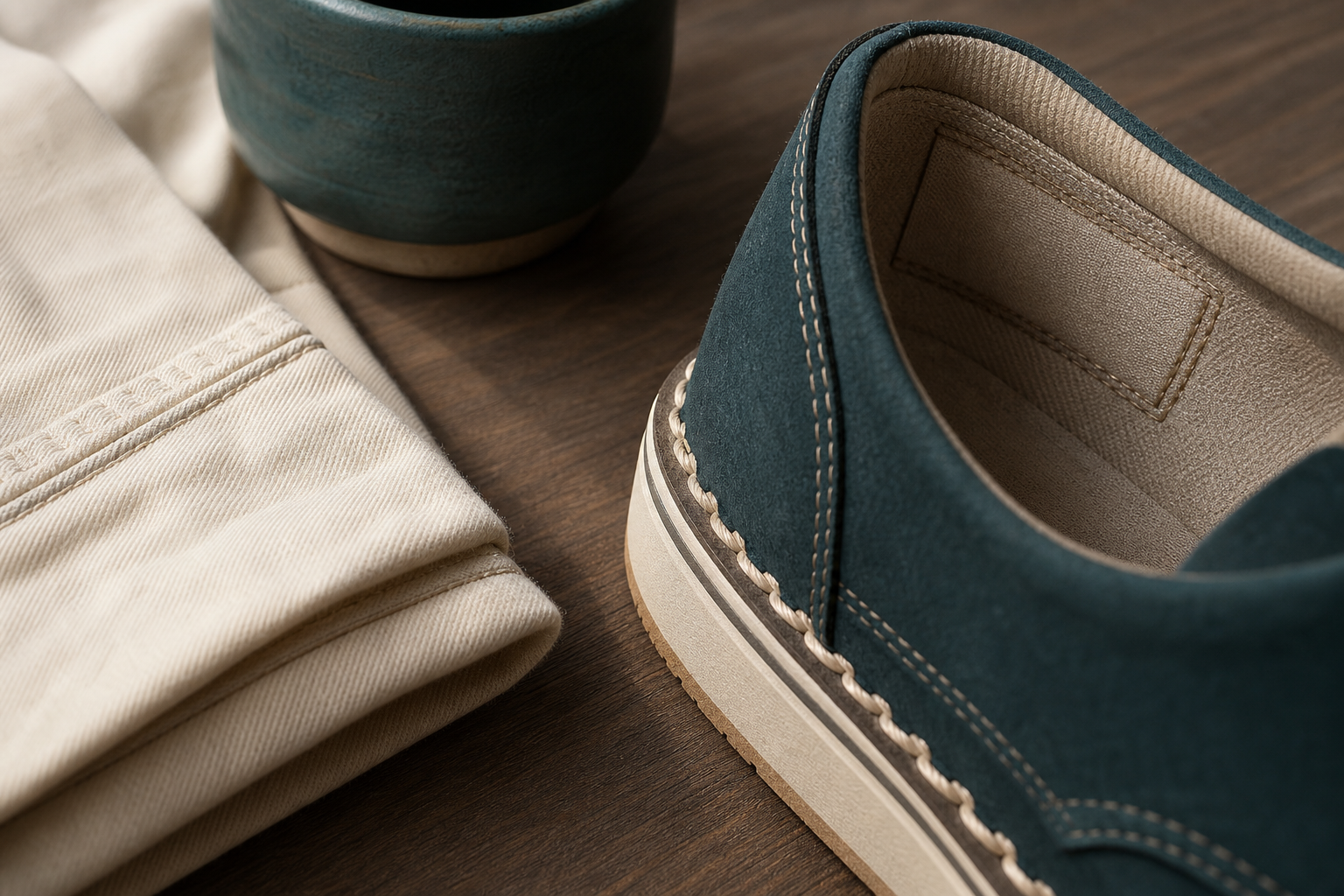
How to Read QC Photos: A Practical Checklist
This is the skill that separates buyers who are happy with their hauls from those who are not. Work through the photos methodically rather than glancing at the overall vibe:
| What to check | What you are looking for |
|---|---|
| Item & colour | It is the right product, model and colourway you ordered — not a similar one. Check colour under the (often warm) warehouse lighting. |
| Size & tags | The size on the label matches your order. For shoes, confirm the box label and the size stamped inside. |
| Stitching & seams | Even, straight stitching with no loose threads, skipped stitches or crooked runs. |
| Logos & text | Correct font, spacing, alignment and spelling on any printed or embroidered marks. |
| Soles & hardware | Clean glue lines (no overspill), aligned soles, zips and buckles that look solid and even. |
| Material & finish | Texture, sheen and weight look as expected; no obvious cheap-feeling substitutions. |
| Damage | No scuffs, stains, cracks, dents or transit damage from the seller. |
| Completeness | All parts, accessories, dust bags or extras that should be included are present. |
If anything looks off, do not approve on hope. Ask for additional photos of that specific area first; if the defect is confirmed, request a return to the seller. Fixing it now costs you nothing but a little time — fixing it after international shipping costs you the shipping, the return, and weeks of waiting.
QC vs Batch: Two Different Questions
New buyers often confuse the two. QC answers "is this exact unit in good condition and what I ordered?" Batch / quality tier answers "how good is this product in general compared to other versions of it?" A great batch can still arrive with a glue smear (caught by QC); a flawless QC photo of a low tier is still a low tier. Read both together — start with our reps batches & quality tiers guide, then judge the unit in front of you. For category-specific QC pointers, our best reps spreadsheet picks walk through what to scrutinise per product type.
QC Storage: How Long You Have to Decide
After QC, your item sits in the warehouse until you ship or refund it. Agents generally offer a free storage window (commonly a few weeks to a couple of months) so you can wait for other items and consolidate; beyond that, storage fees can apply. This is what makes QC and consolidation work together: QC every item as it arrives, hold the good ones, and ship them in a single box to cut per-kilogram cost. Confirm Oopbuy's current free-storage period in its help centre, and don't let items sit so long that fees eat your savings.
FAQ — Oopbuy QC Photos
Are Oopbuy QC photos free?
How long do QC photos take to appear?
What should I look for in a QC photo?
Can I get a refund if the QC photo shows a defect?
What is the difference between QC and batch?
Can I ask for a QC video?
Ready to put it into practice? Browse the live Oopbuy spreadsheet, place an order, and when the QC photos land, run them through the checklist above before you approve. Pair good QC with smart consolidated shipping and you keep both the quality and the cost of your 2026 haul under control.
Popular oopbuy Spreadsheet Products

Product Identification Required - Image Blank - 134460
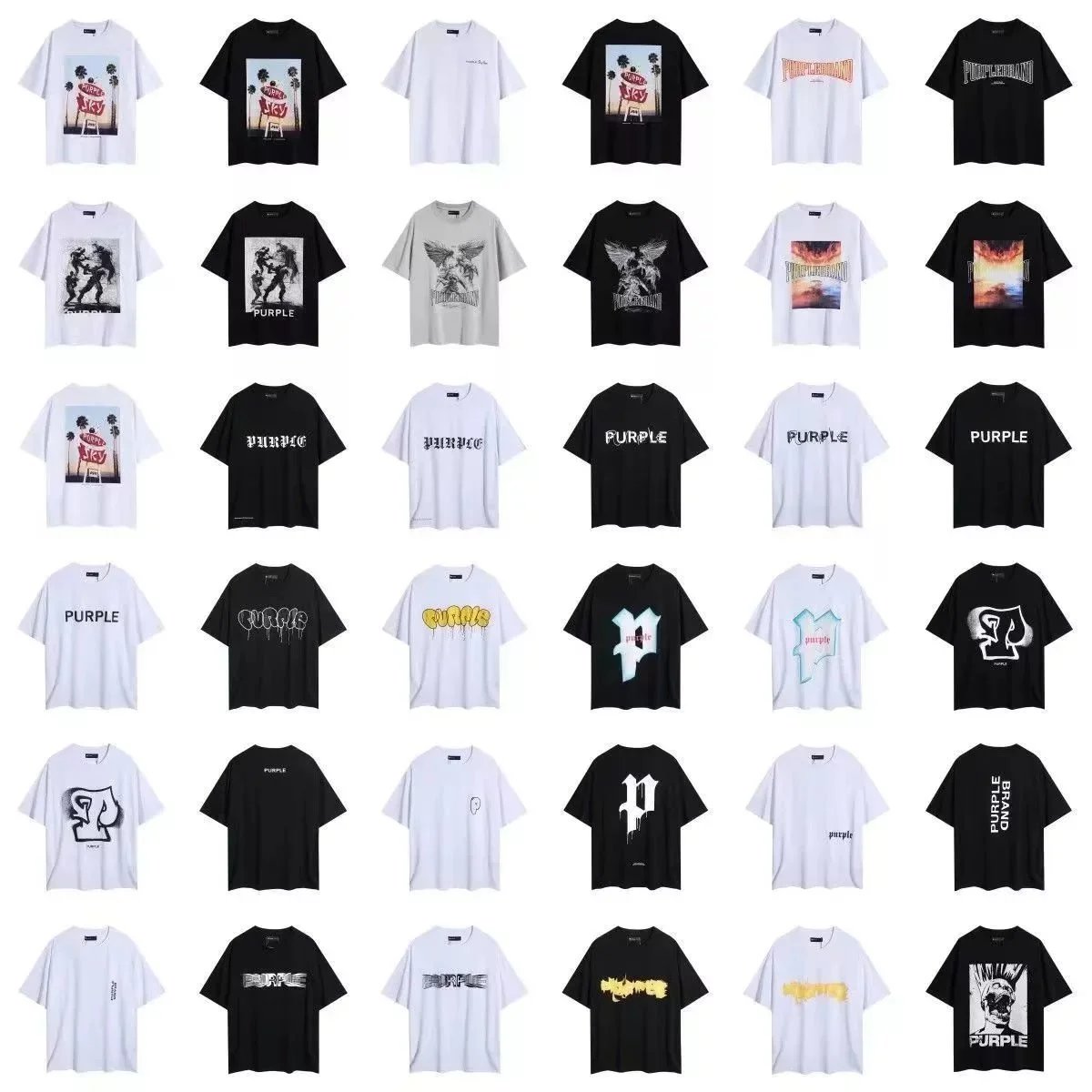
Purple Brand Graphic Print Oversized T-Shirt - Black Palm Tree Design - 131453
Jordan 23 Jumpman Hoodie - White with Iconic Logo Print - 133422
Gucci Rabbit Knit Appliqué T-Shirt Cream - 135229
Gucci Rhyton Disney Mickey Mouse Collaboration Sneaker - 133632
Dolce & Gabbana Sicily Sneakers Blue White Floral Pattern - 134622
AMIRI Black Crewneck Sweatshirt with Floral Peace Sign Print - 132162